Getting started: a checklist from zero to your first sale
This checklist takes you from sign-up to a workspace that accepts payments. You complete items 1–3 right inside the first-time setup wizard (onboarding) — below is a quick note on what each does. The rest (items 4–7) you polish in the dashboard at your own pace, where the highlighted words are links to detailed guides.
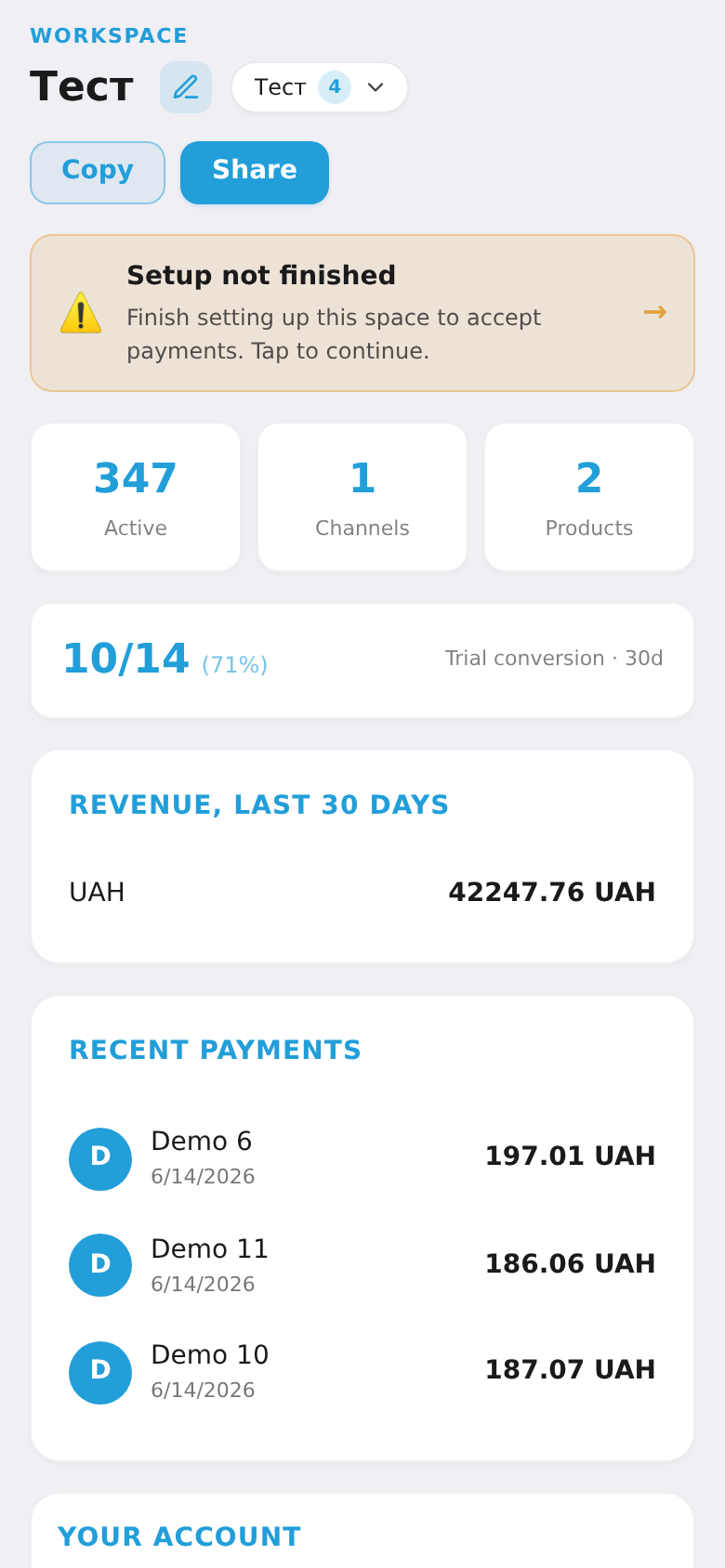
1. Create your workspace (onboarding)
On your first launch the wizard asks for a workspace name and business type (subscriptions / digital / both). That creates your workspace.
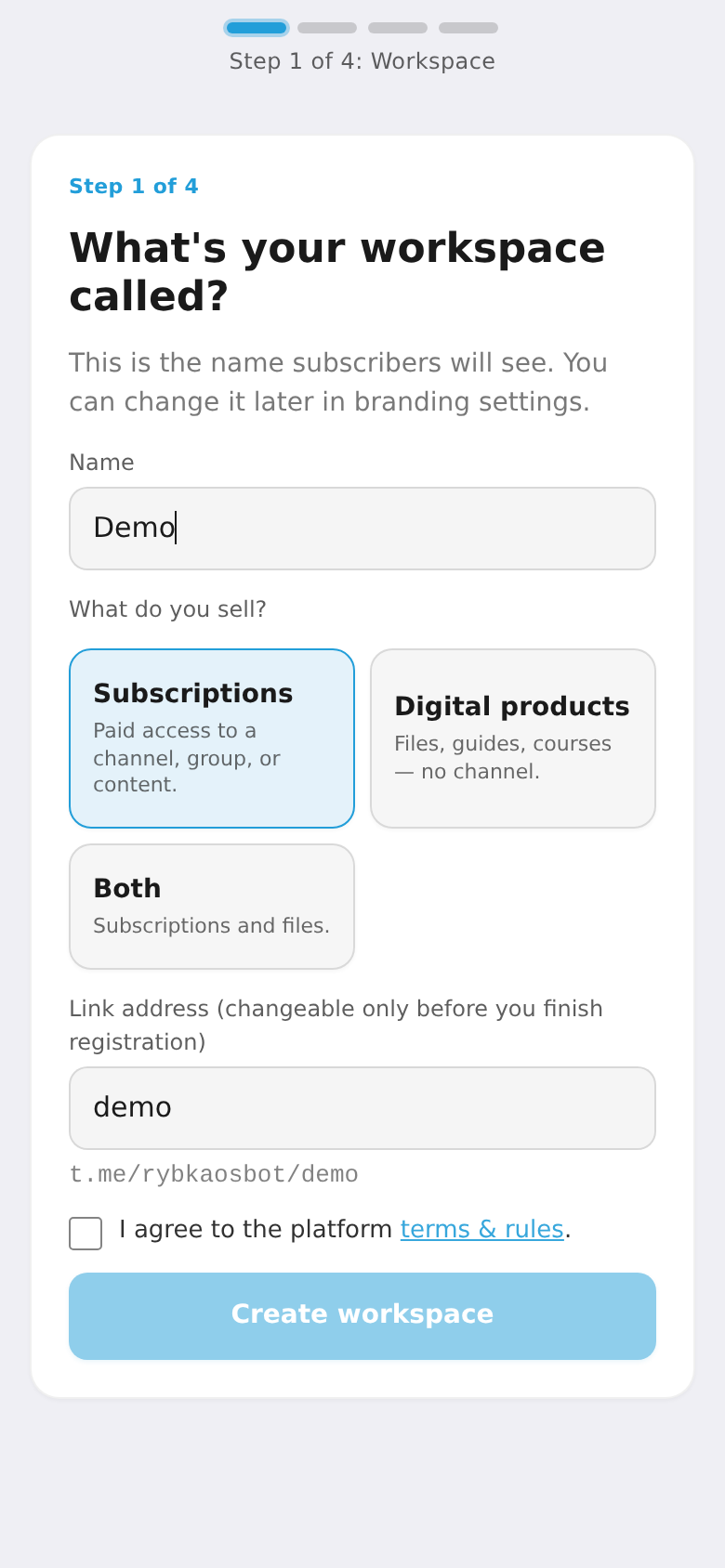
2. Connect a channel or group
Link the private Telegram channel or group you sell access to. The bot becomes an admin and grants/revokes access automatically. (Selling only digital products — you can skip this.)
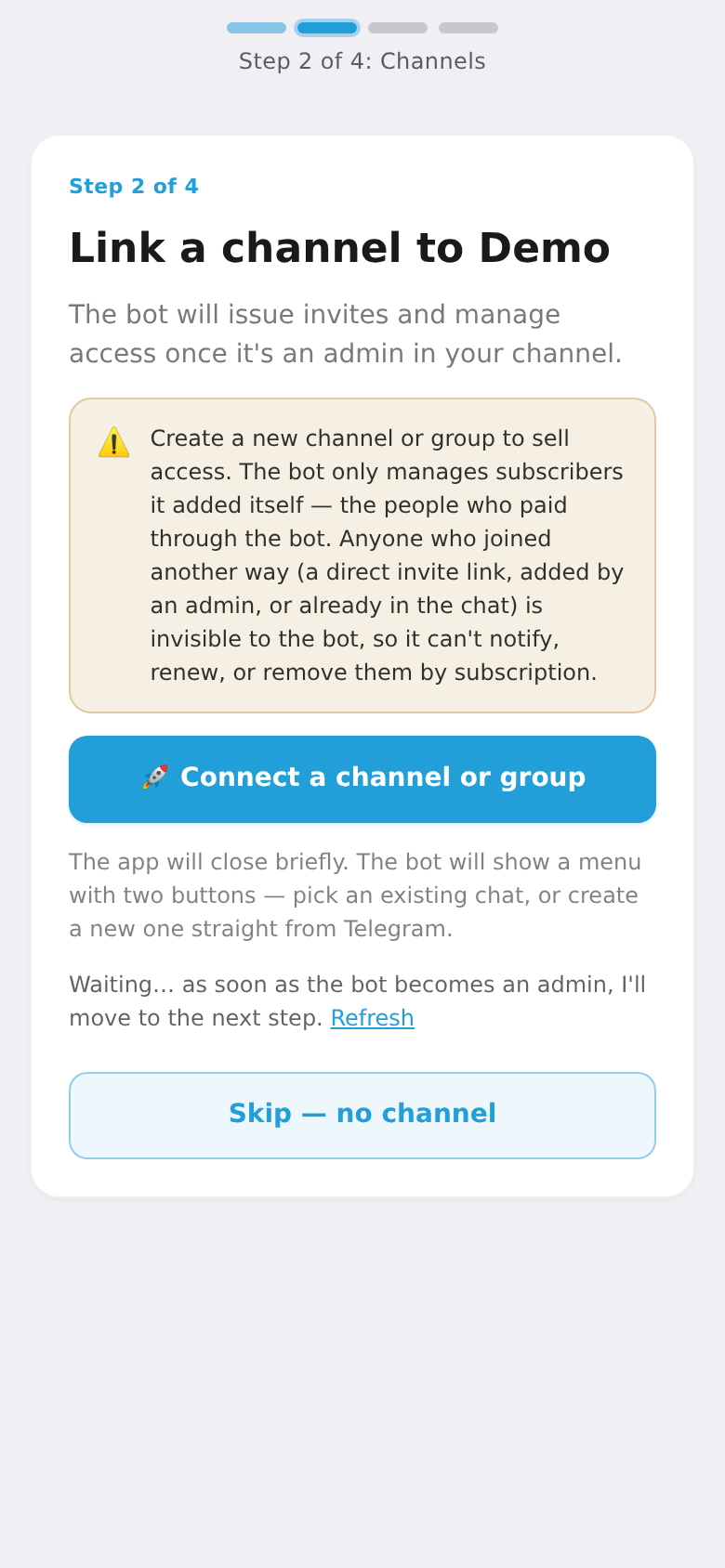
3. Create a product and plan
Describe what you sell and add a plan: price and period (month, year) or a one-time charge. A product can have several plans.
4. Set up branding and your page
This step is optional: the platform builds a basic landing page right away — with your products, plans and a payment button — and it already works. But there are two reasons to make it better:
- Your page is a standalone web address (
https://sub.rybkaos.com/your-workspace). It can be found via search, so it's another channel to attract subscribers — not just from Telegram. That's why it's worth styling it nicely. - That link is needed in step 5: you'll give it as your website when registering a merchant shop with a payment provider.
Add your logo and colors (Design), build the page from blocks (heading, hero, plans, testimonials, FAQ) and set up the member cabinet. This gives your storefront its own look.
5. Connect payments
To accept money from customers, connect a payment provider (WayForPay, etc.) under "Payment providers". This is separate from onboarding and takes longer — you need a registered business (ФОП) and your own merchant account with the provider. Without it the workspace can't take money.
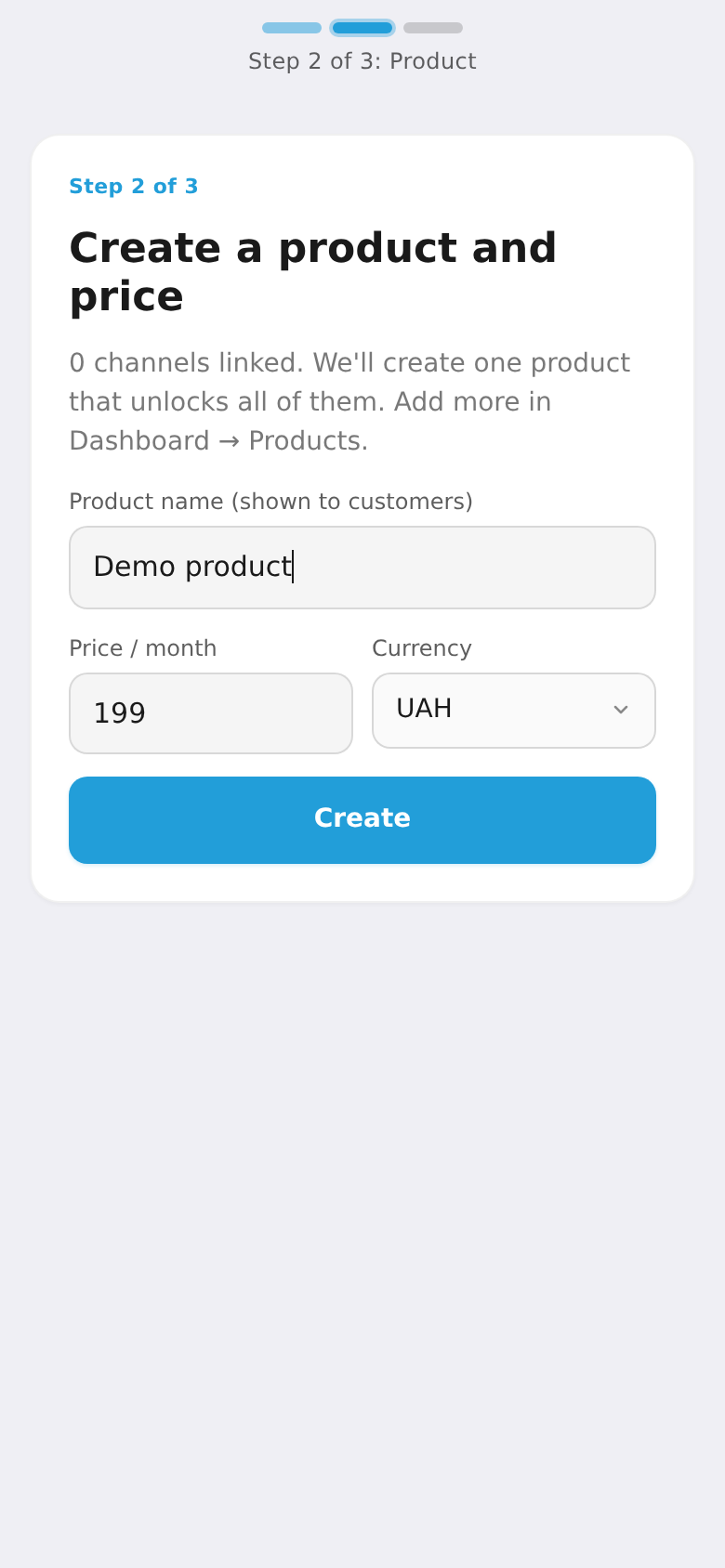
Where to get the shop link. When registering a shop, every provider (WayForPay, Fondy, LiqPay, Portmone, Platon…) asks for a website — that's the address of your page from step 4: https://sub.rybkaos.com/your-workspace. You can copy it from the Dashboard via the "Share" button (or just open your landing page and copy the address). That's exactly why step 4 comes before step 5.
💡 Don't give some separate site or a ready-made payment button — the platform must initiate payments itself, control the trial period and recurring charges, so it needs merchant keys tied to your platform page.
6. Set up subscriber communication
Tailor the bot messages (start, payment, refund), turn on renewal reminders, and send broadcasts and announcements when needed.
7. Launch and track results
Share your checkout link or place a banner on your website. You can issue coupons and gifts. Then watch your subscribers, payments, analytics and activity, invite your team, and keep your platform balance topped up.