← Help
How to broadcast to subscribers
A broadcast is a DM the bot sends to every active subscriber (or a segment: by product or plan). Write it once — everyone gets it.
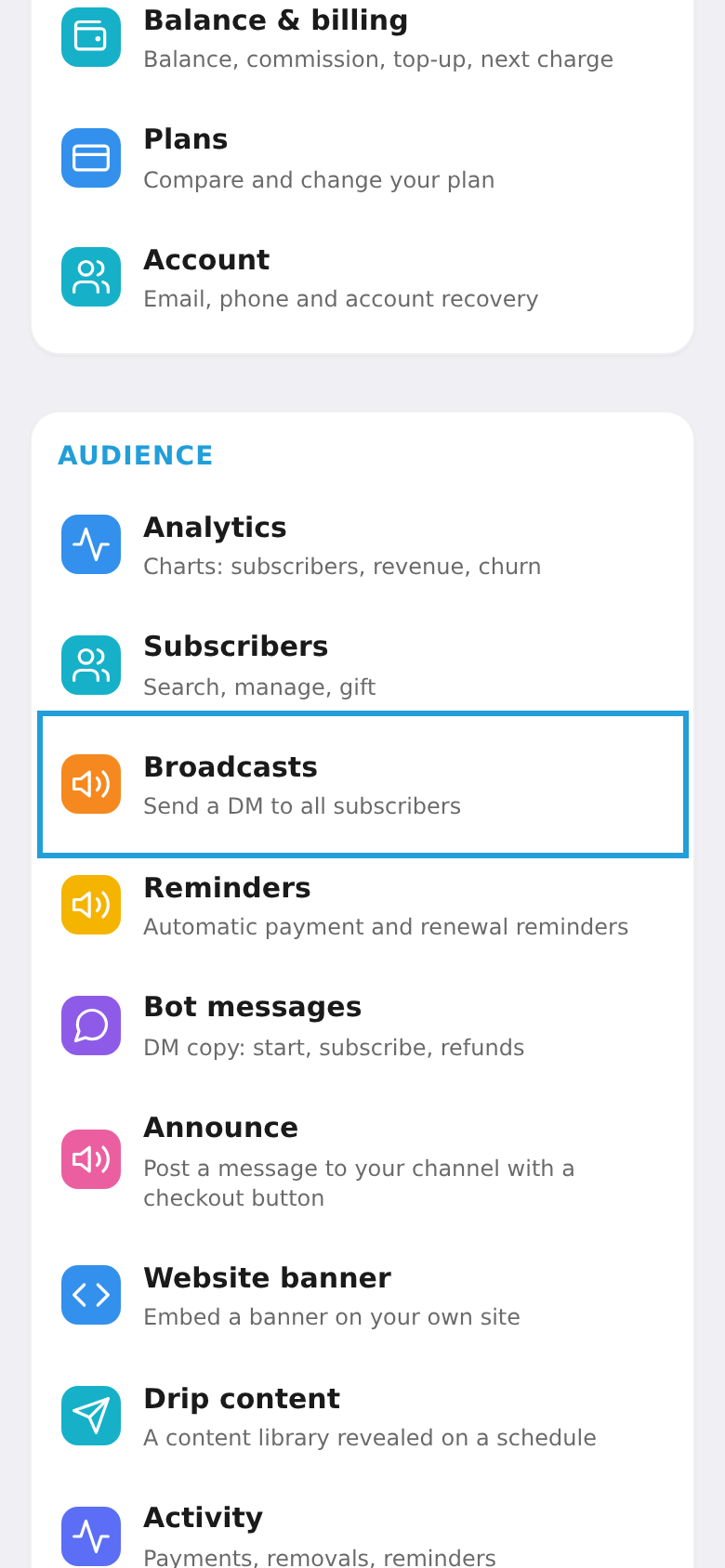
Step 1. Open "Broadcasts"
On the workspace home screen, tap the "Broadcasts" tile.
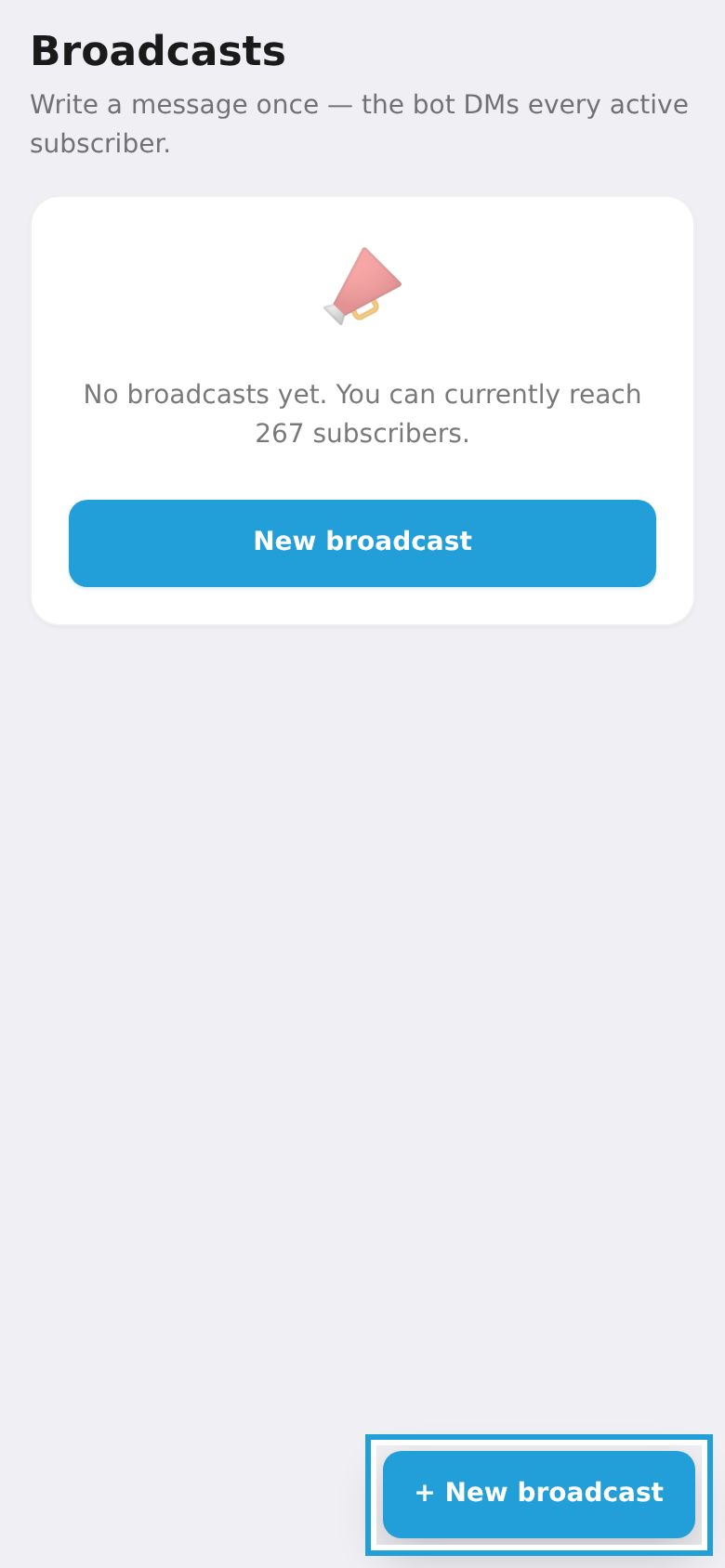
Step 2. Tap "New broadcast"
On the broadcasts screen, tap "New broadcast".
Step 3. Write and send
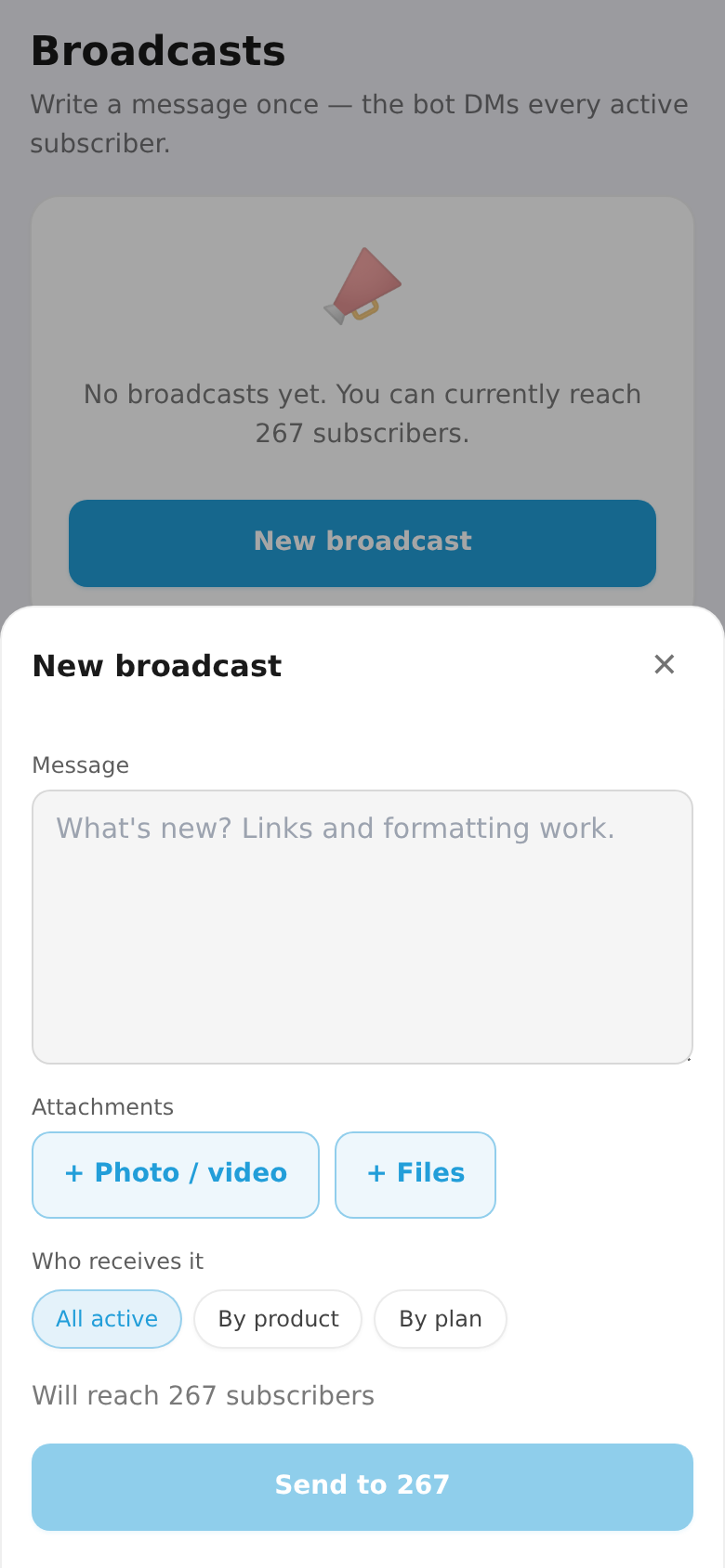
Write the message text (optionally media or files), choose who to send to (all active, by product, or by plan), and tap "Send". It shows how many subscribers will receive it.