← Help
How to set up reminders
Reminders are automatic messages to subscribers: before a subscription expires, on a pending payment, or to win back those who left. The bot sends them on your schedule.
Step 1. Open "Reminders"
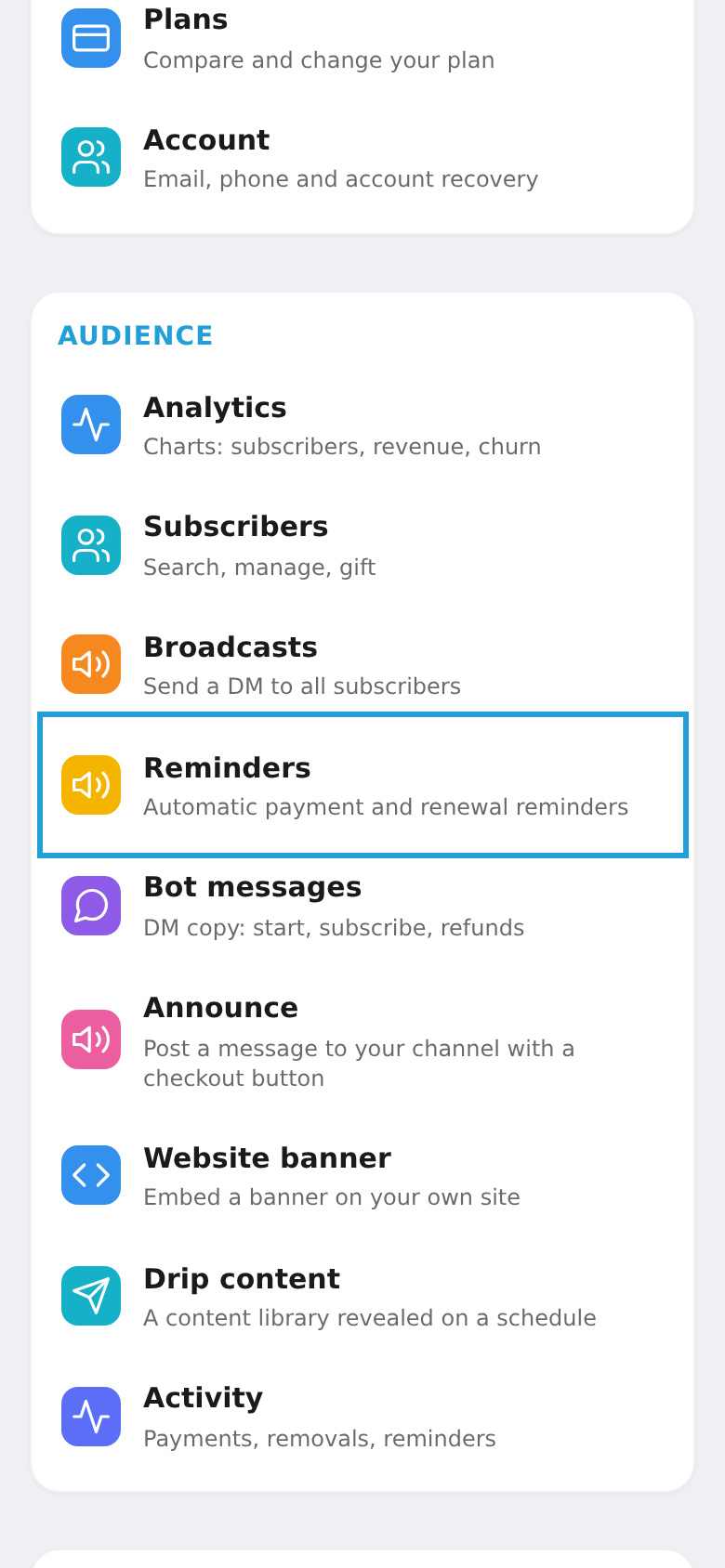
On the workspace home screen, tap the "Reminders" tile.
Step 2. The message text
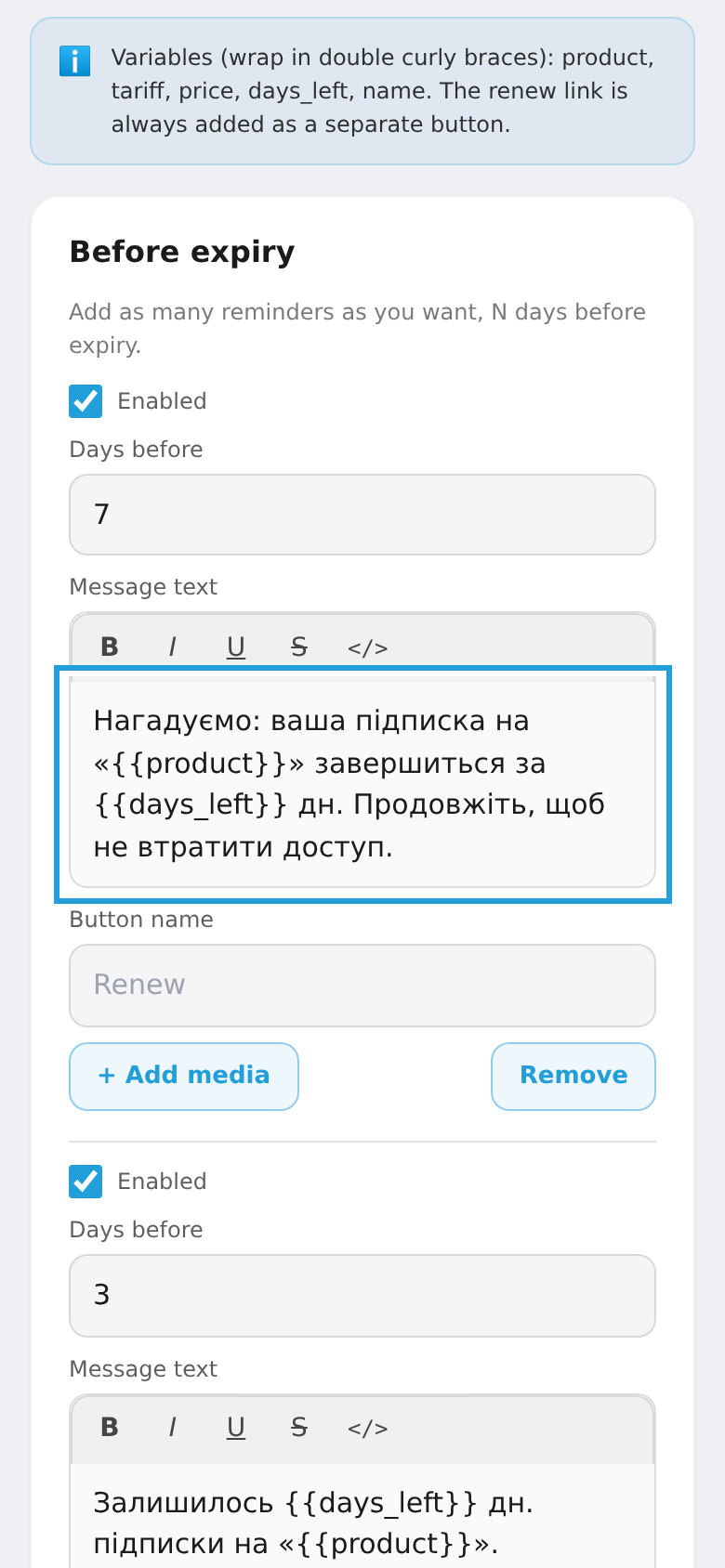
The core of a reminder is the message the subscriber receives. Write your own text and use variables in double braces: {{product}}, {{days_left}}, {{price}}, {{name}}. The renewal link is added by the bot as a separate button. Reminder types: before expiry, pending payment, and win-back.
Step 3. Timing, repeats and saving
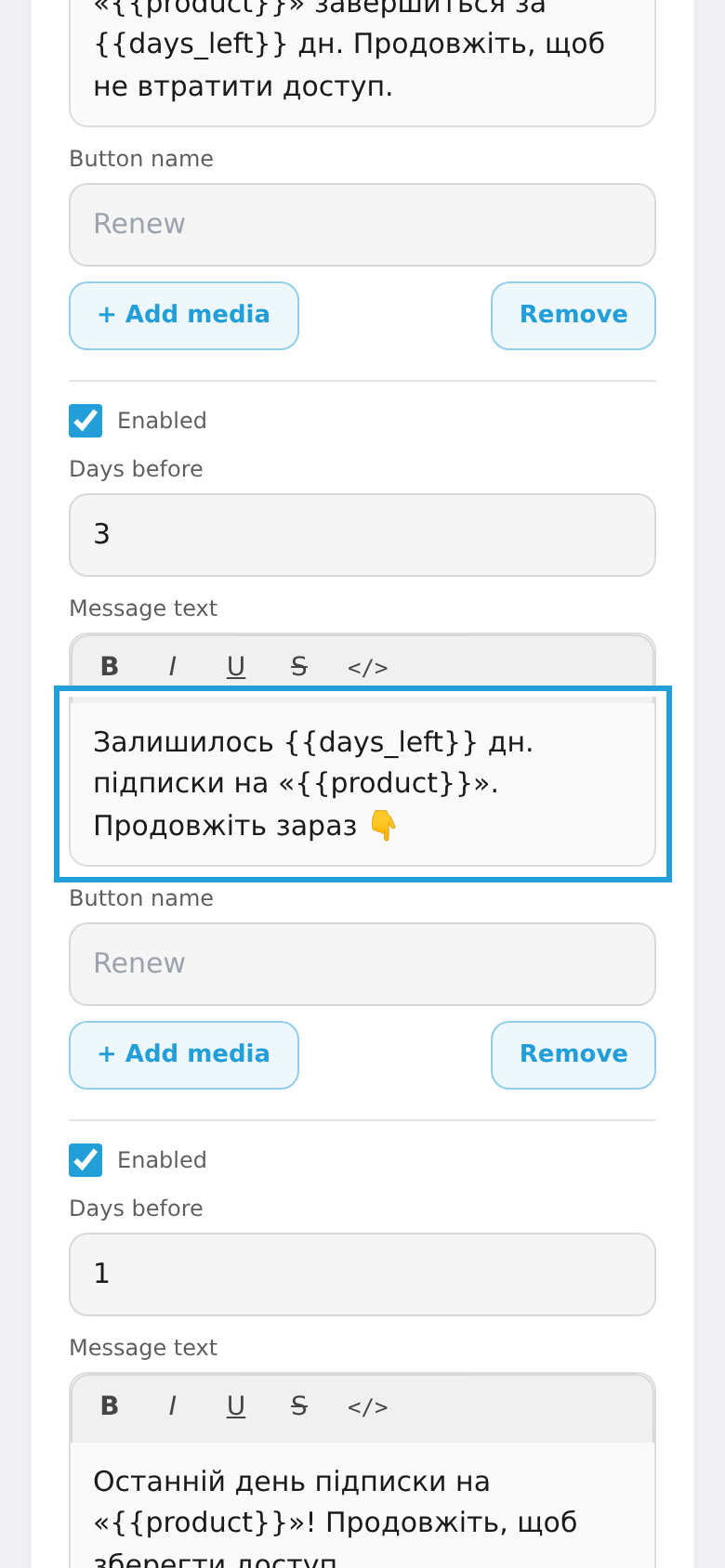
For each reminder set how many days before the event to send, optionally add a button or media, enable the rule, and tap "Save". You can add several reminders of one type — e.g. 7, 3 and 1 day before (each with its own text).