How to build your workspace landing page
The landing page is your storefront on the internet: a public web page with your products and plans (e.g. monthly and yearly subscriptions), a description, and the reasons to subscribe. It's essentially a mini-site — reachable on the web by a link (e.g. sub.rybkaos.com/your-workspace), and if you write it well, people can even find you via search. The platform creates a simple default right away; you then customize it from blocks: heading, hero banner, plans, testimonials, video, FAQ and more.
Step 1. Open "Home page"
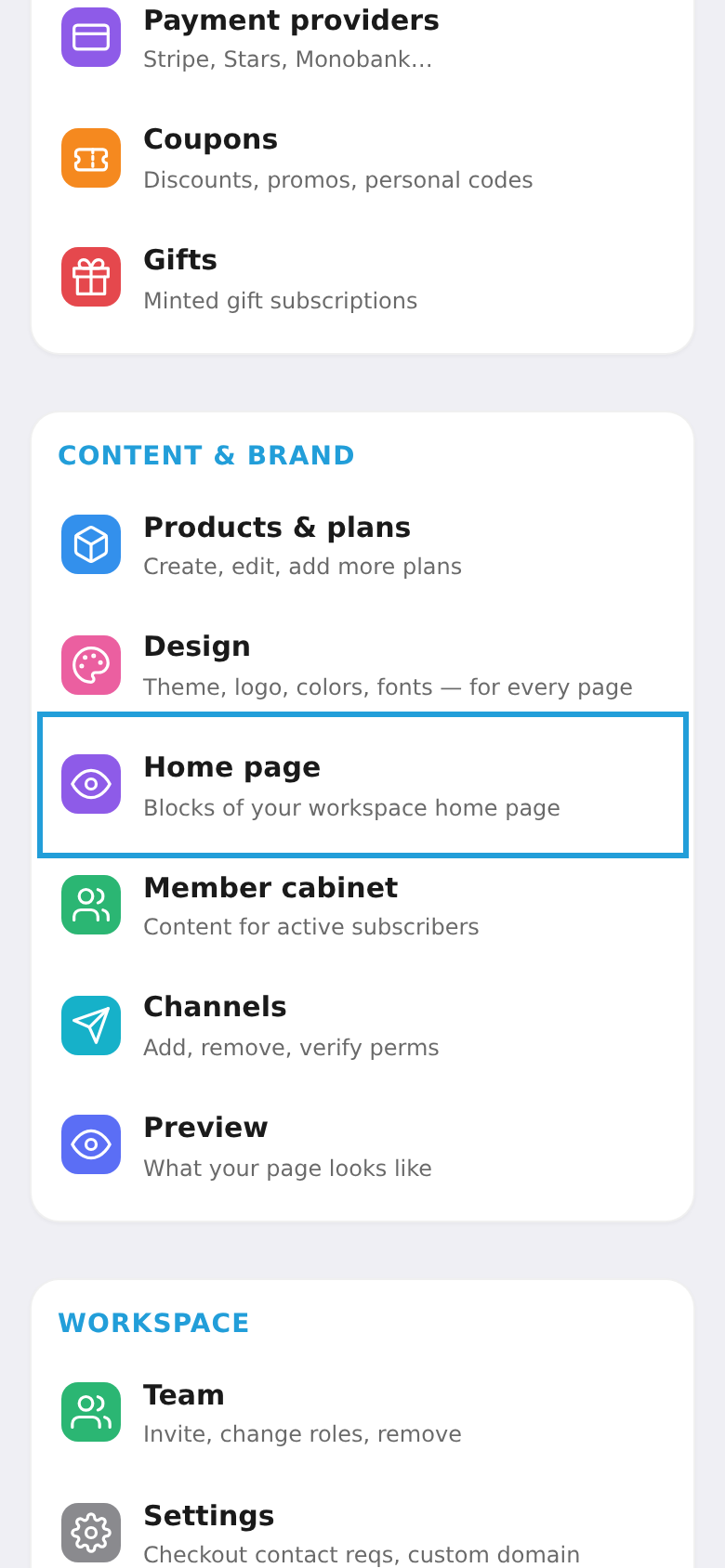
In the workspace menu, under "Content & brand", choose the "Home page" tile.
Step 2. Build the page from blocks
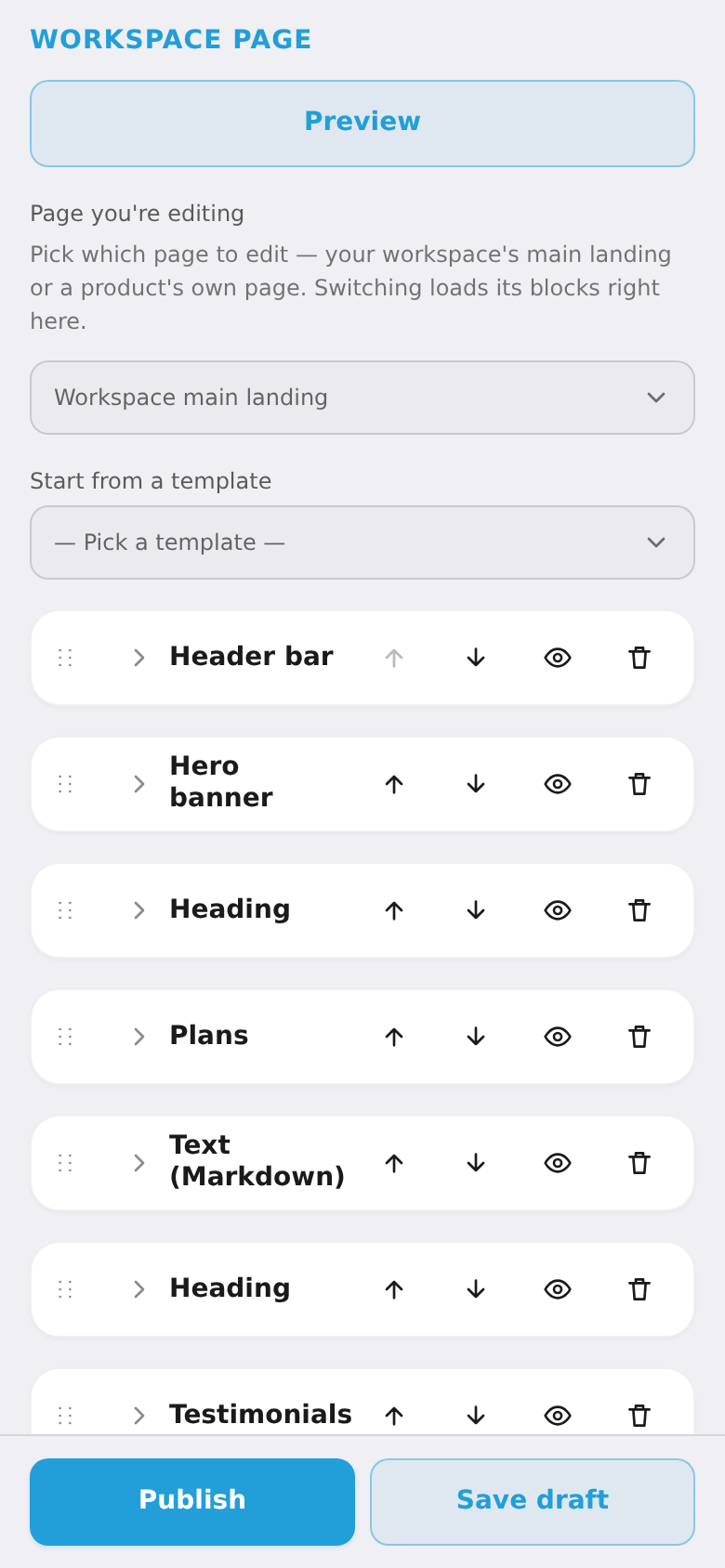
The visual "Workspace page" editor opens. Add blocks with "+ Add block" (heading, hero, plans, testimonials, video, FAQ), drag them to reorder, and edit text right on the page. You can start from a ready template. Blocks inherit colors from the "Design" section. When done, tap "Publish" so buyers see the changes.