← Help
How to invite a teammate
Add collaborators to your space with roles: Owner (full access), Admin (manages content and subscribers), or Viewer (read-only). In the Mini App the invite works via a Telegram magic link — the person taps it and joins instantly. (Email invites are available in the browser admin at console.rybkaos.com.)
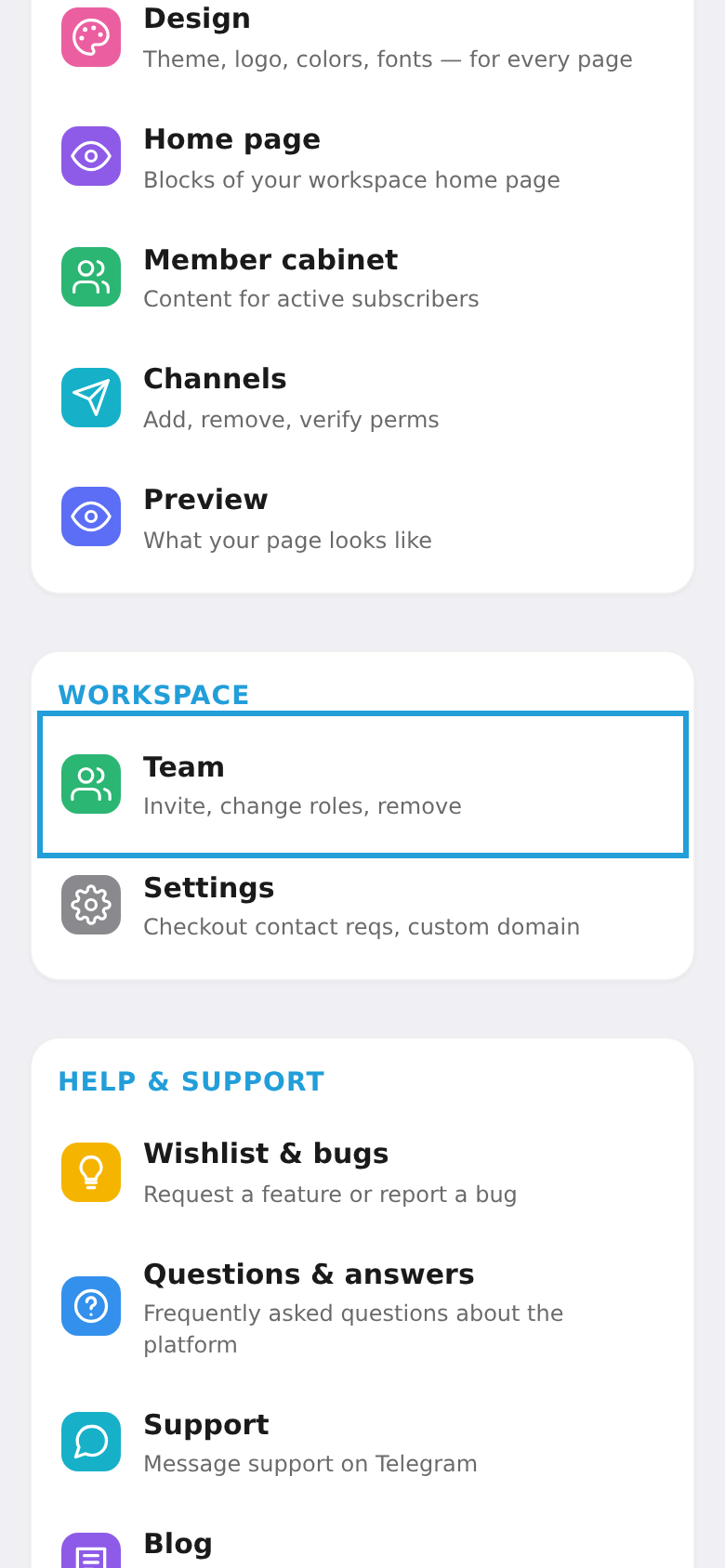
Step 1. Open "Team"
In the workspace menu, under "Space", choose "Team".
Step 2. Pick the role
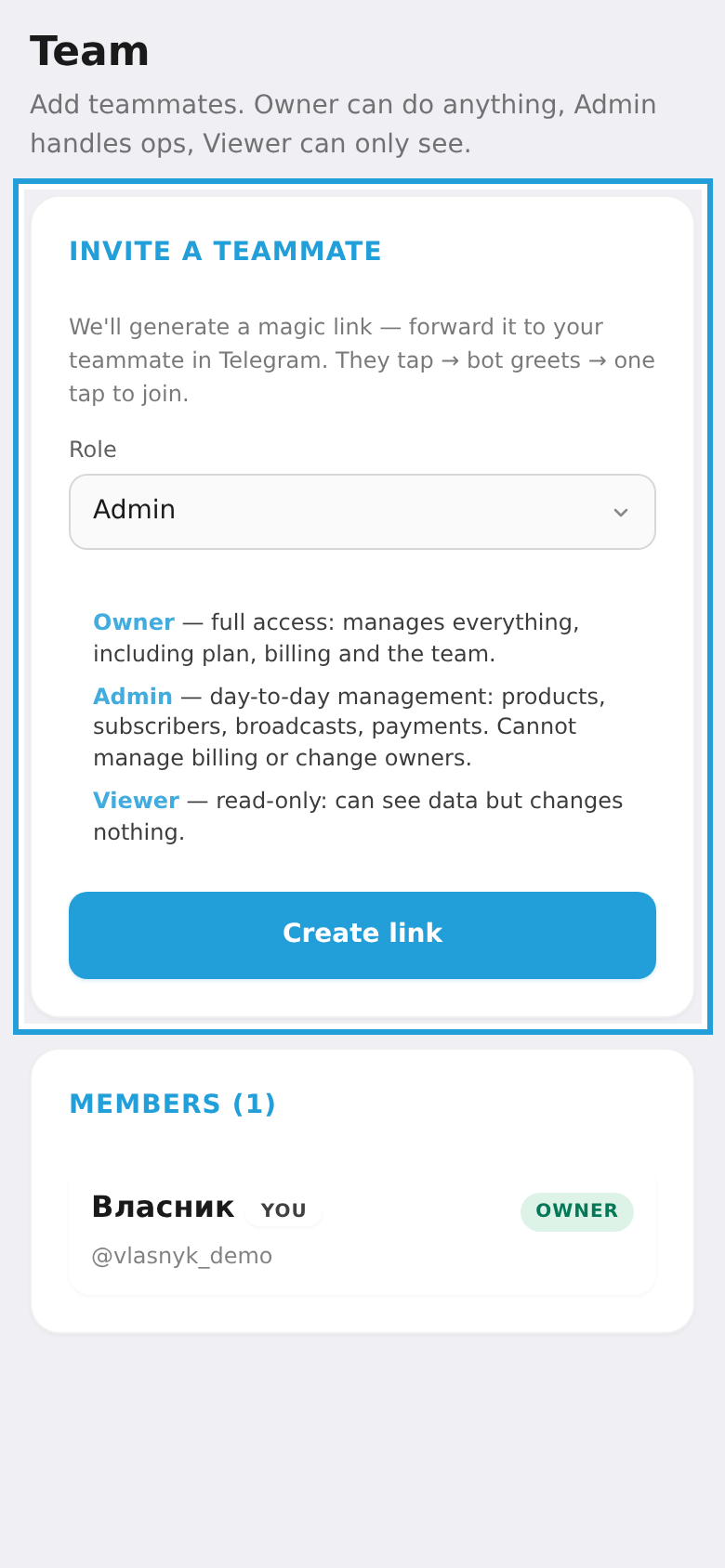
Under "Invite a teammate" pick a role for the future member — Owner, Admin or Viewer (the hint under the dropdown explains what each role can do).
Step 3. Create the link and send it
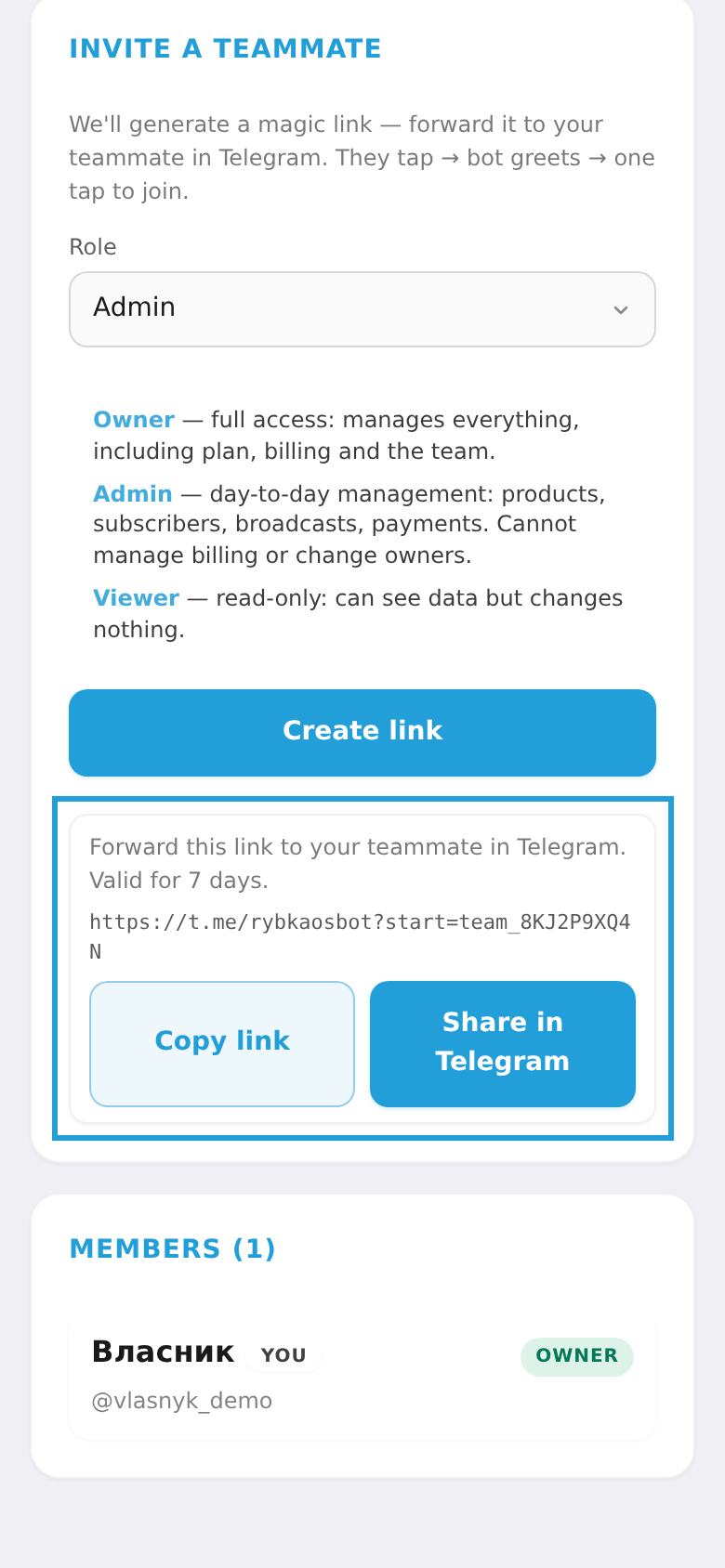
Tap "Create link" — a magic link appears below (valid for 7 days). Copy it with "Copy link" or forward it to your teammate right away with "Share in Telegram". As soon as the person taps the link, they join your space with the chosen role.