← Help
How to customize your branding
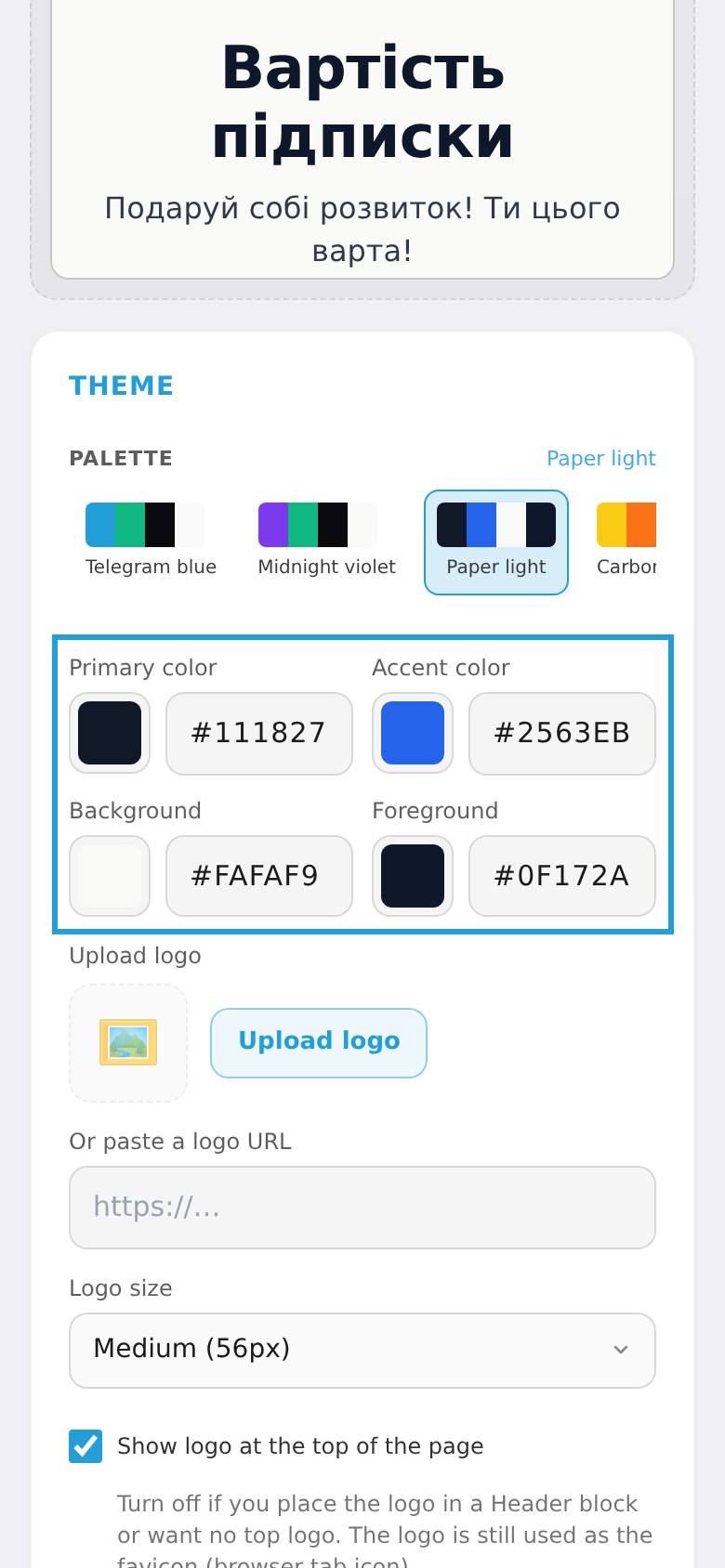
Branding is the colors, logo, fonts and copy of your pages (checkout, landing, member cabinet). Changes apply everywhere and show in a live preview.
Step 1. Open "Design"
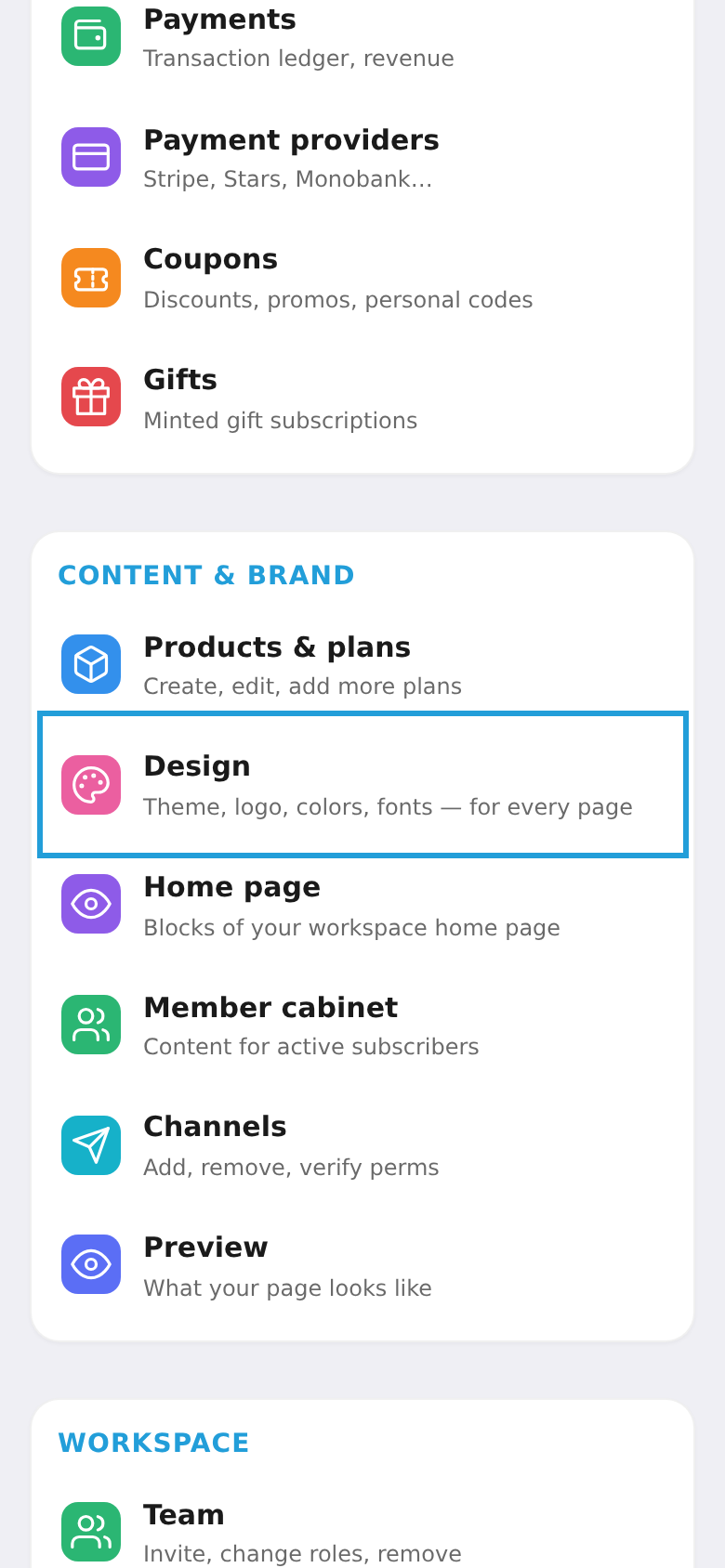
In the workspace menu, under "Content & brand", choose "Design".
Step 2. Customize the theme
Pick the colors (primary, accent, background), upload a logo, and optionally edit the copy. Everything updates in the live preview. When ready, tap "Publish" at the bottom and the styling applies to all your pages.