← Help
How to post a channel announcement
An announcement is a message the bot posts in your channel with an instant-payment button. Handy for switching to a paid model, launching a trial, or announcing a new product.
Step 1. Open "Announcement"
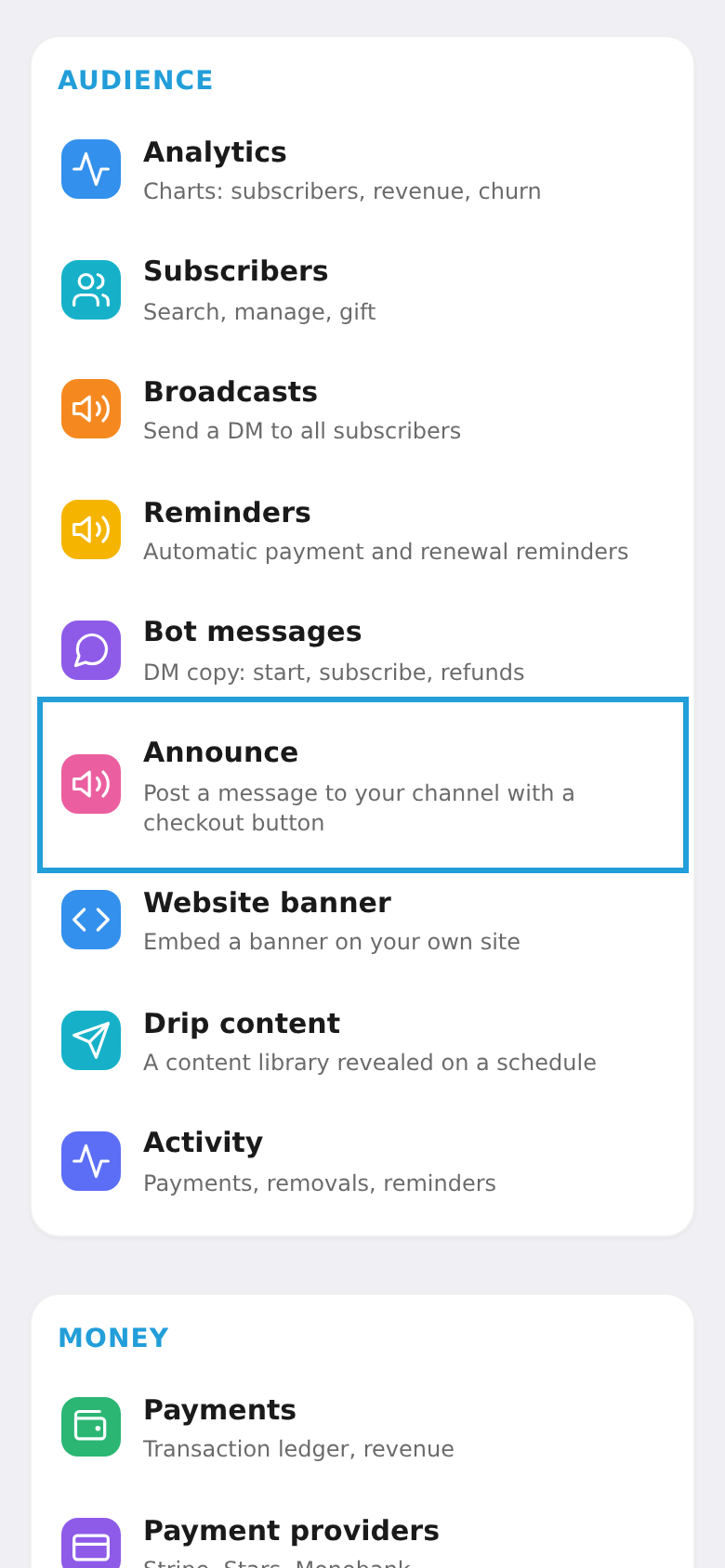
On the workspace home screen, tap the "Announcement" tile.
Step 2. Pick a channel and write the message
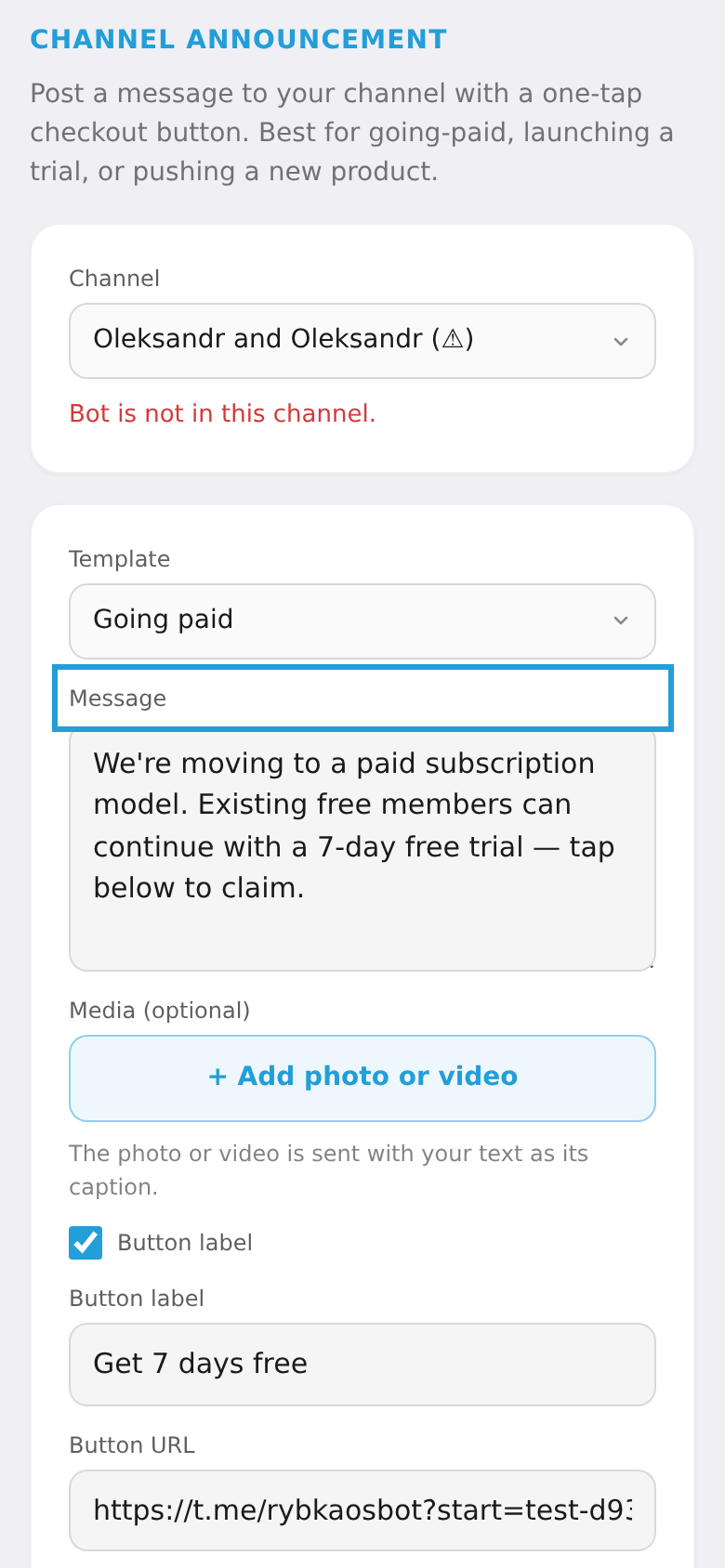
Choose the channel to post to and write the message (HTML and links are supported). Optionally add a payment button, media, or enable silent mode.
Step 3. Preview and send
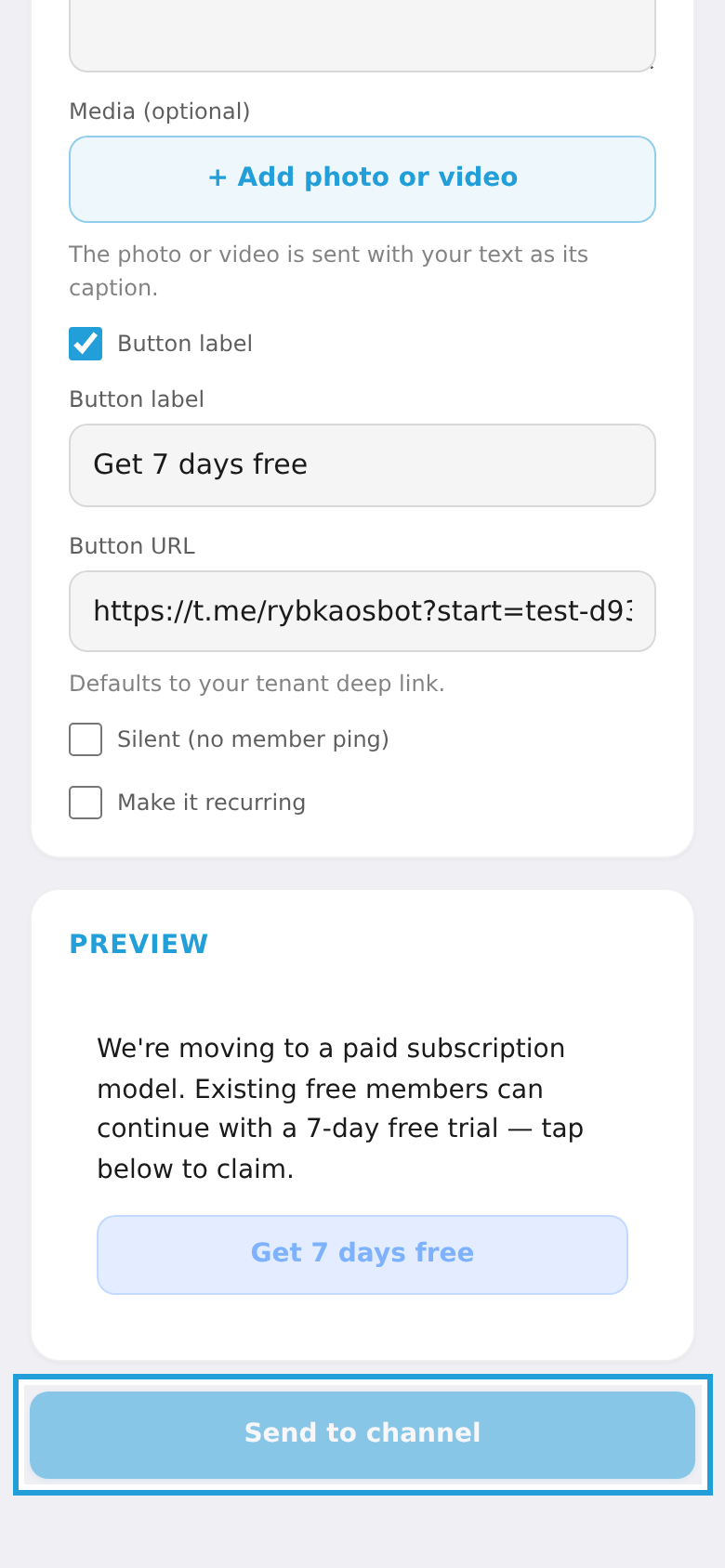
Check the preview and tap "Send to channel" — the bot posts the announcement.