← Help
How to gift a subscription
A gift is a ready, prepaid subscription as a link. Forward it to anyone on Telegram: the recipient taps it, the bot greets them and activates access.
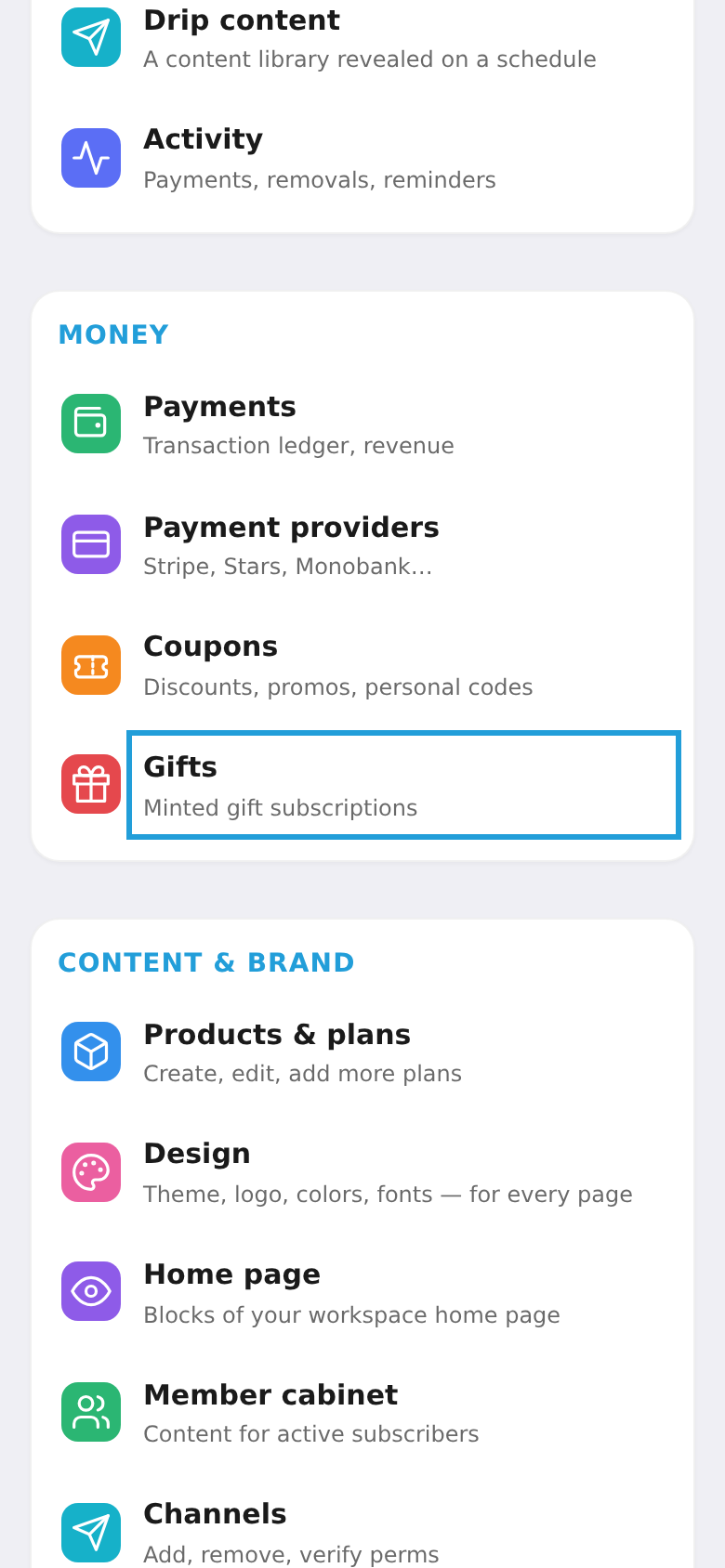
Step 1. Open "Gifts"
In the workspace menu, under "Money", choose "Gifts".
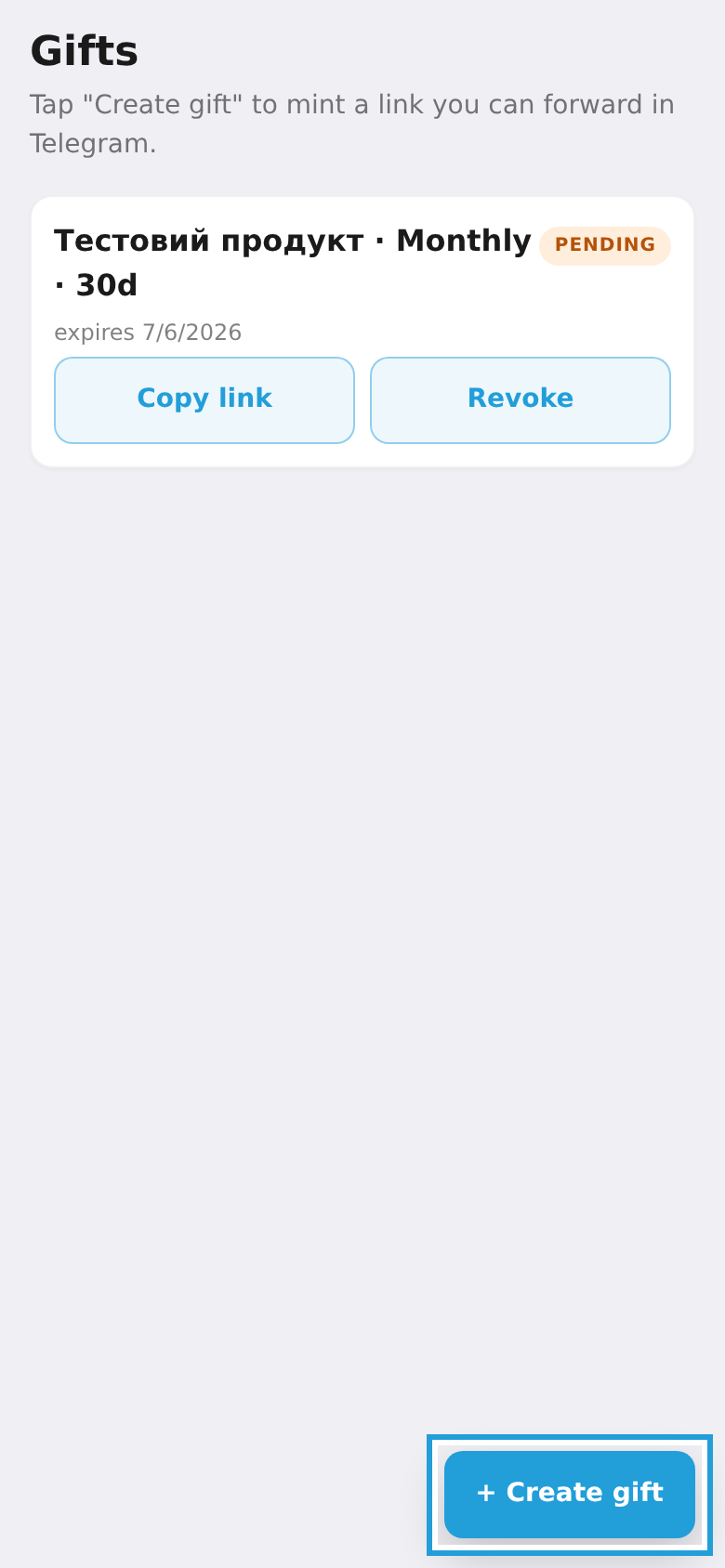
Step 2. Tap "Create gift"
On the gifts screen, tap "Create gift".
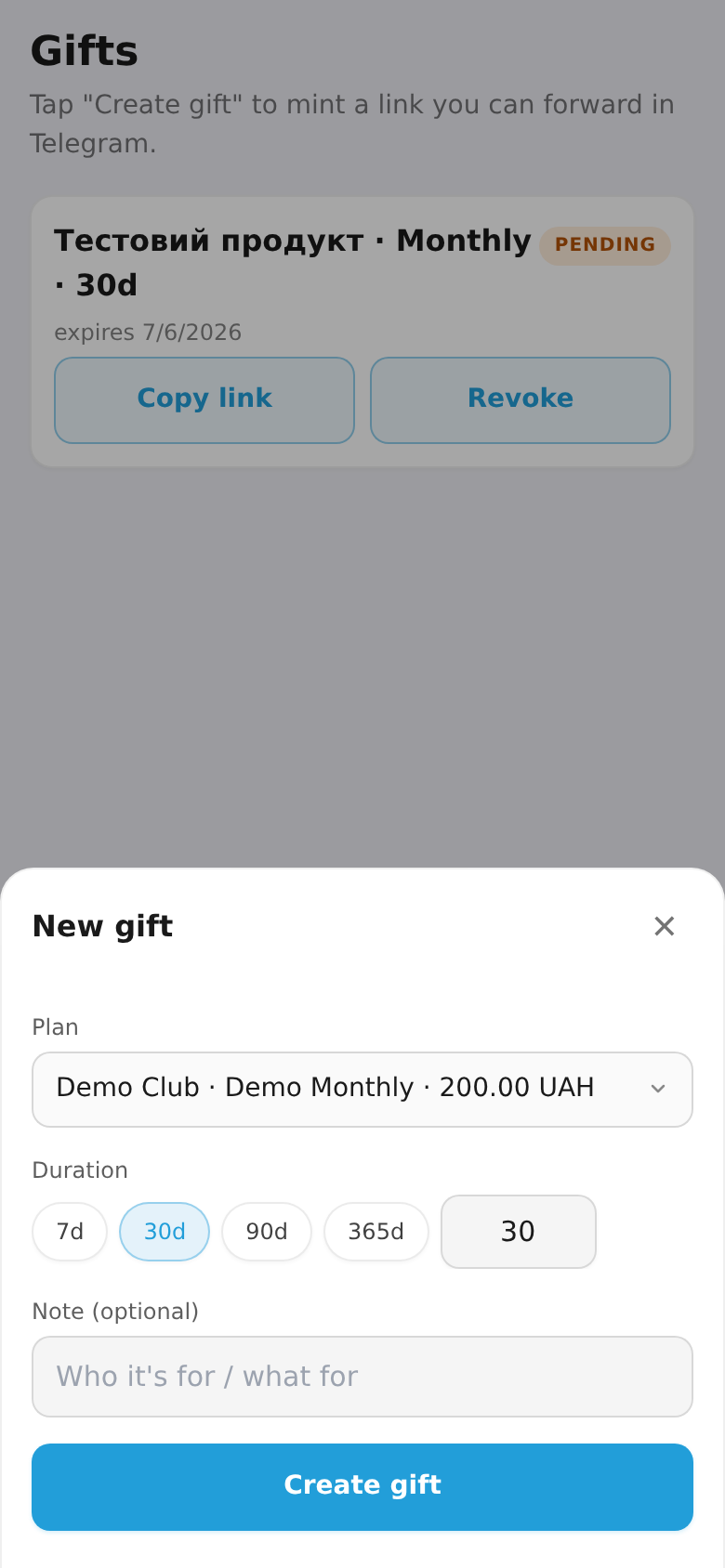
Step 3. Choose a plan and duration
Pick a plan, the access duration, and optionally add a note. Tap "Create gift" — a link is generated. Tap "Share on Telegram" and forward it to the recipient.