← Help
How to customize bot messages
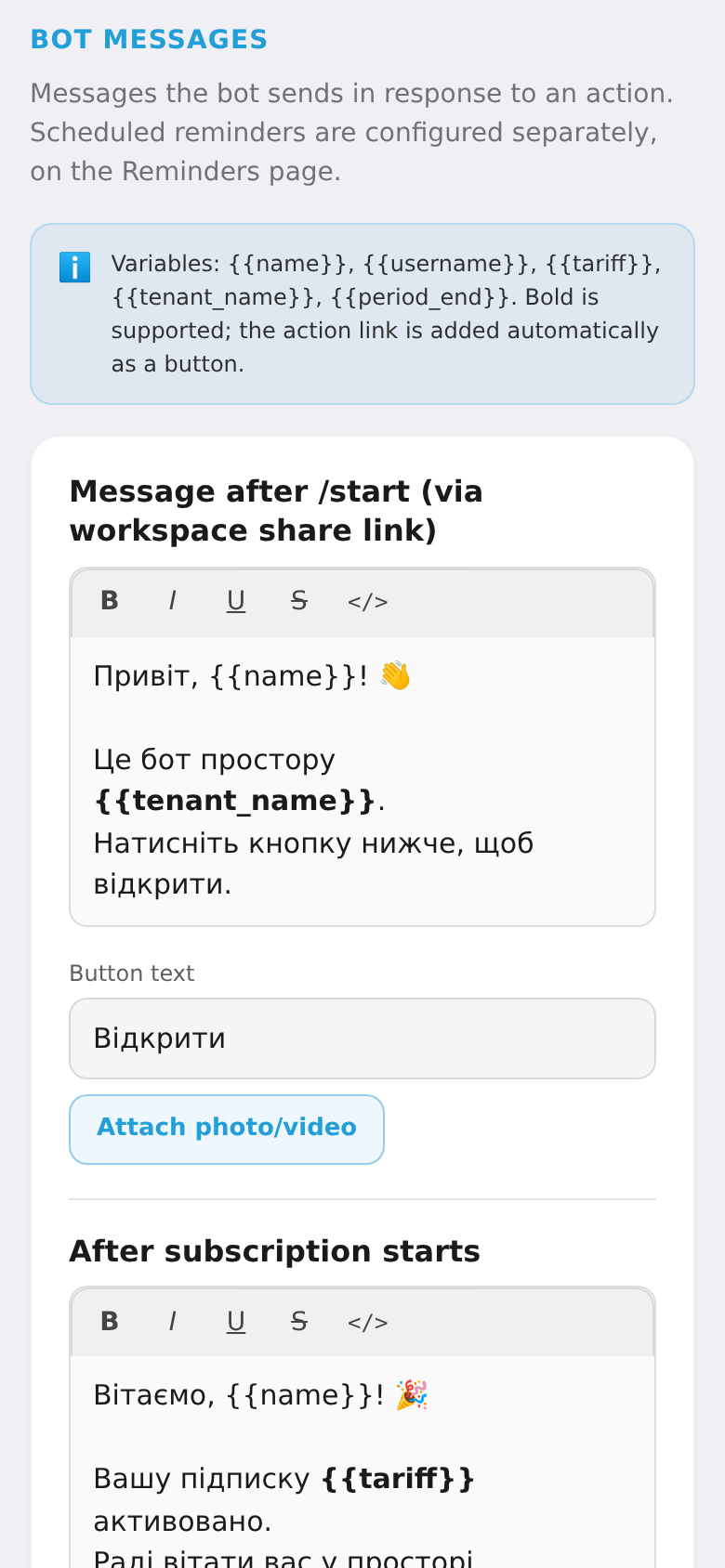
The bot sends subscribers automatic direct messages — after /start, after payment, when a trial starts, after a kick from the channel, after a refund. You can rewrite each of these to match your brand.
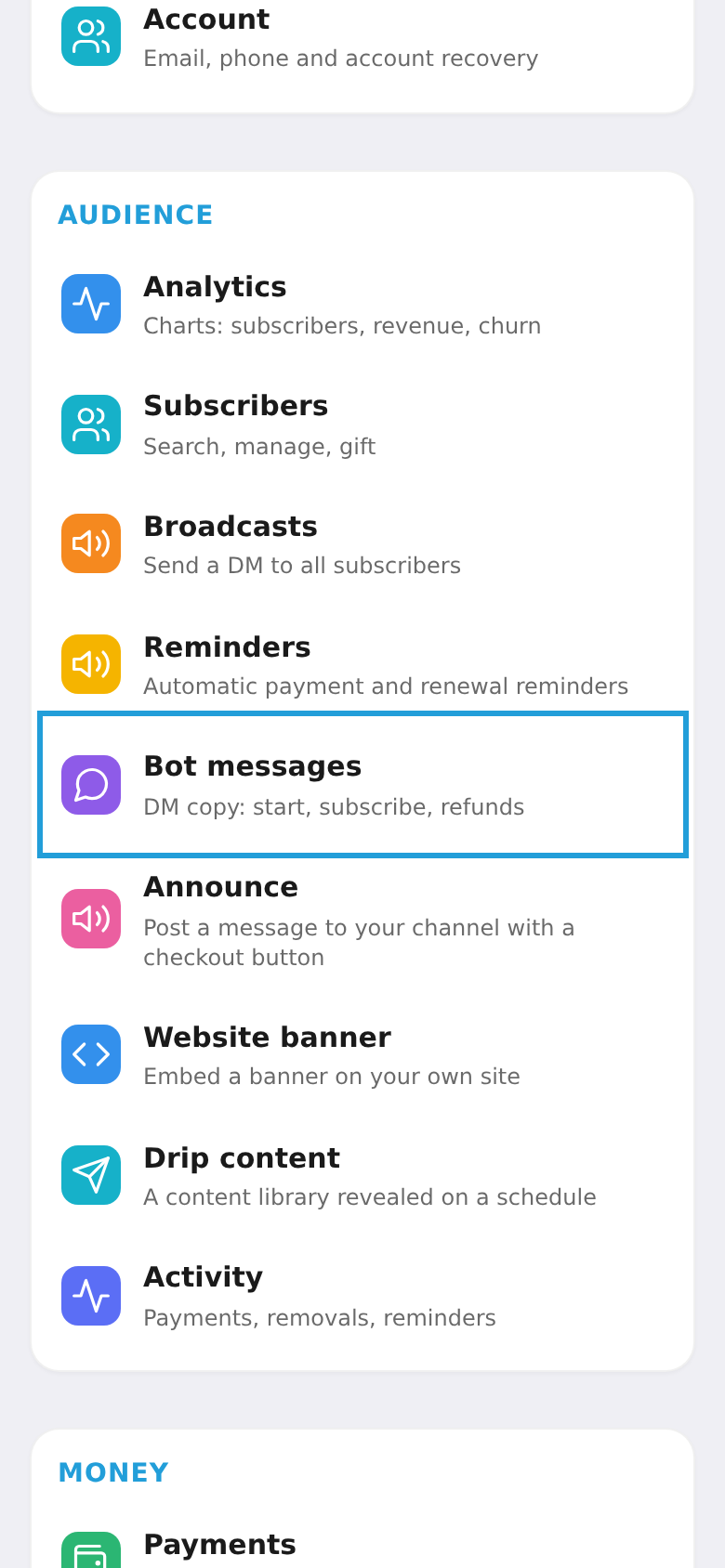
Step 1. Open "Bot messages"
In the workspace menu, choose the "Bot messages" tile (DM texts: start, subscription, refund).
Step 2. Edit the texts
Each message has its own field with formatting (bold, italic, links) and an option to attach a photo or video. Insert variables: {{name}}, {{tariff}}, {{tenant_name}}, {{period_end}}. The "Reset" button restores the default text. Tap "Save" when done.