← Help
How to read your analytics
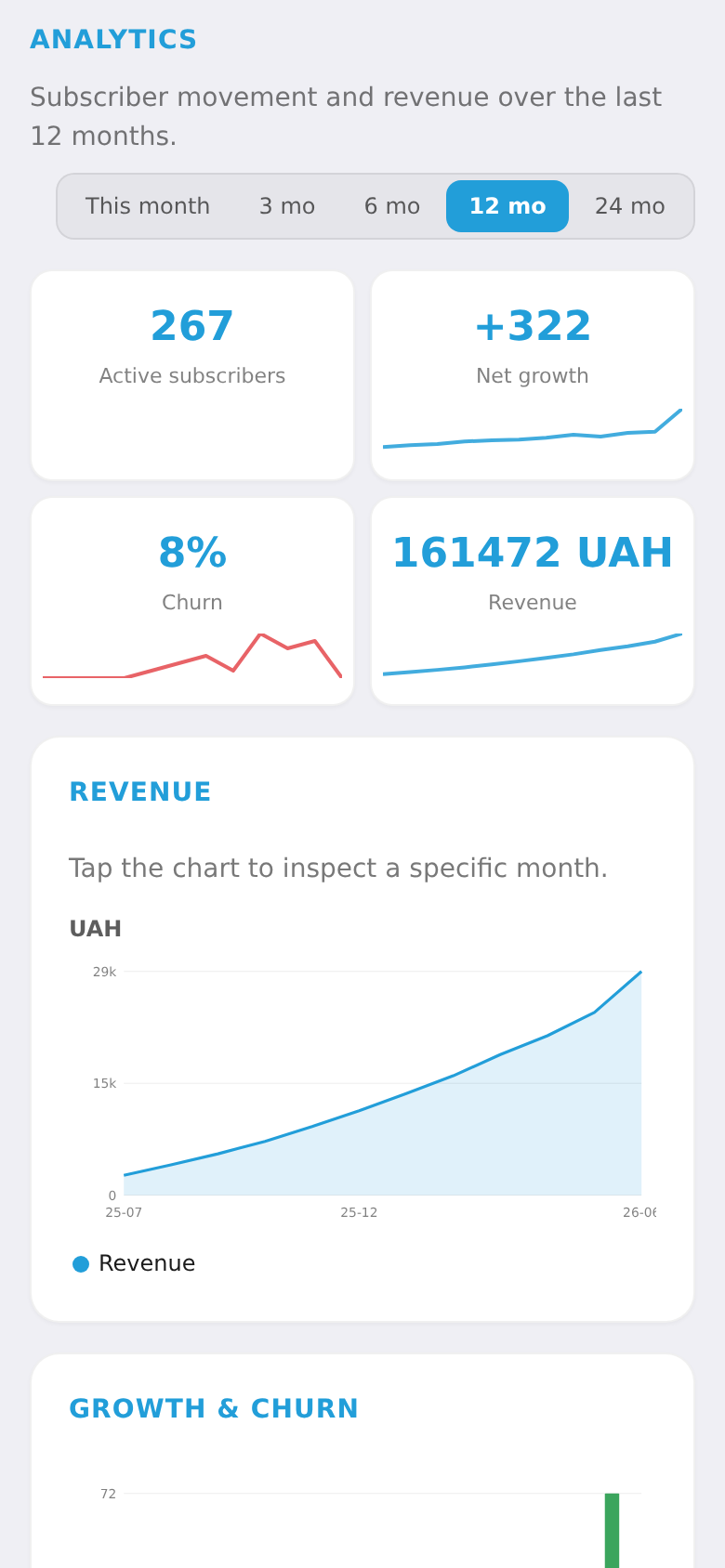
Analytics shows your key metrics: active subscriptions, net revenue this month, churn, and average revenue per user (ARPU) — so you can see how the business grows.
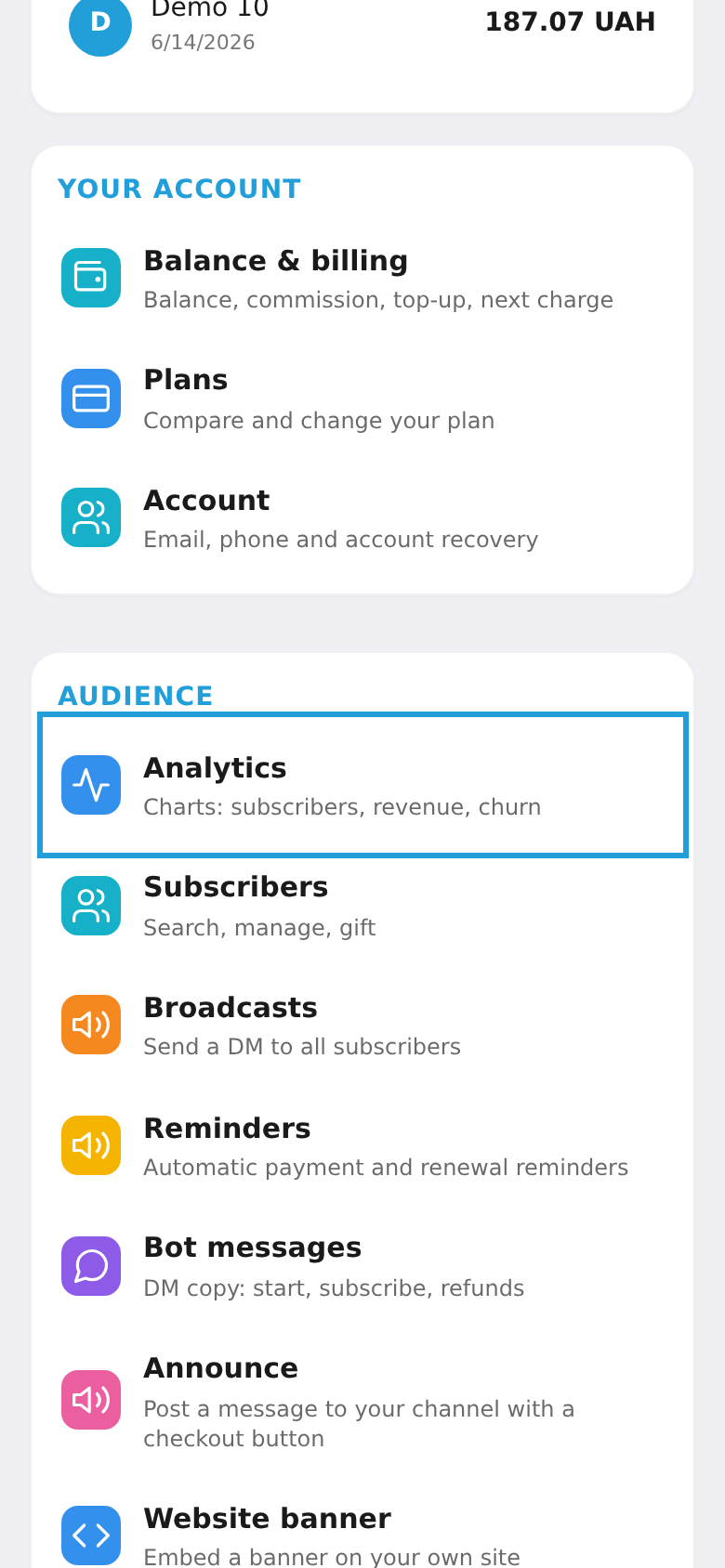
Step 1. Open "Analytics"
In the workspace menu, under "Audience", choose "Analytics".
Step 2. Review the metrics
The screen shows active subscriptions, net revenue this month and its growth, churn, and ARPU. Data updates automatically.