← Help
Page-builder blocks: overview
Your workspace landing page and member cabinet are built from blocks. Below is the full reference: what each block does and which settings it has. The landing page offers every block; the member cabinet offers a subset of content blocks (marked "☑ cabinet"). Cabinet-only blocks: Subscription details, Contact details, Content series.
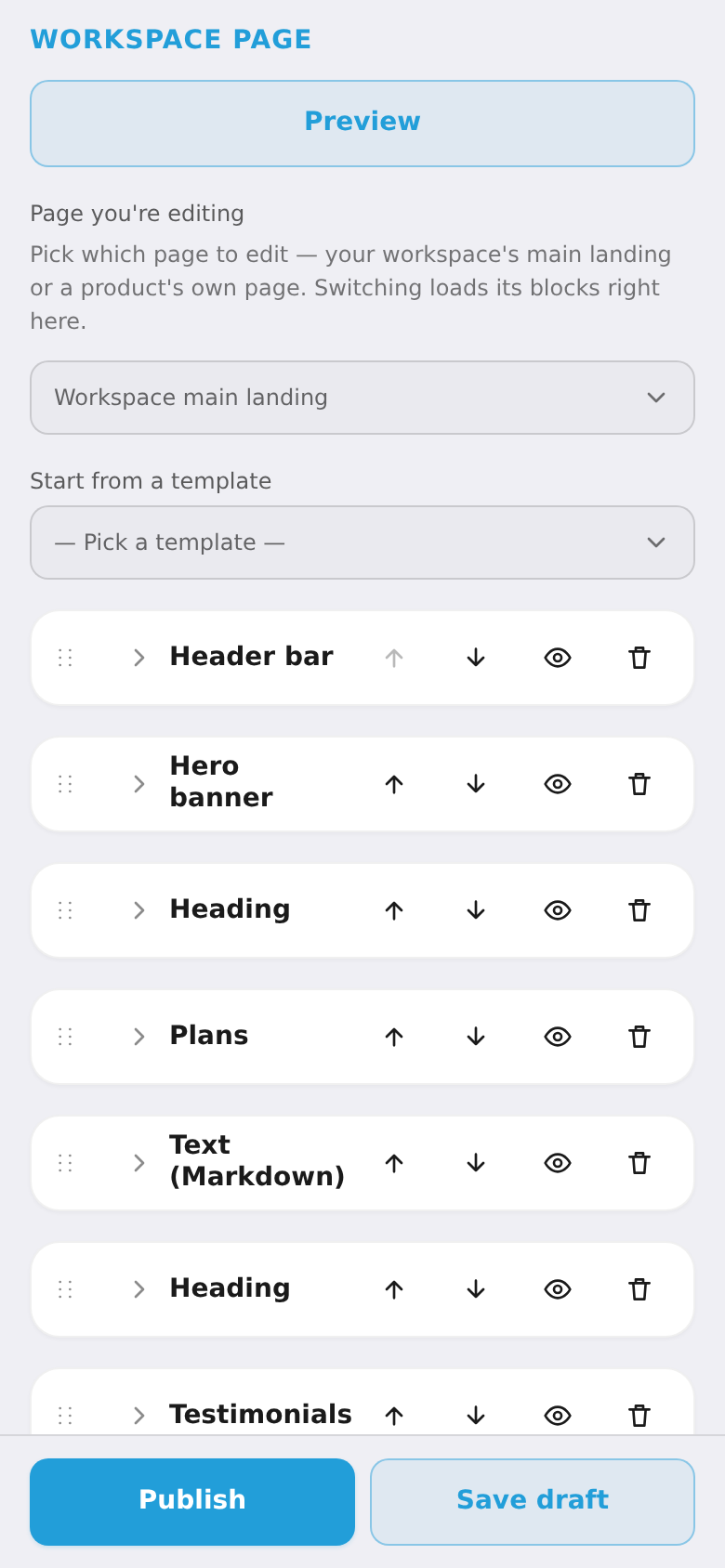
Add a block with "+ Add block", drag to reorder, hide with the eye, delete with the bin. Remember to "Publish".
Common settings (on every block)
Whatever the type, every block has:
- Visibility — the eye toggles the block on/off without deleting it.
- Image (URL) — a top image for the block (upload a file or paste a link).
- Padding — vertical spacing: none / S / M / L / XL.
- Alignment — left / center / right.
- Width — narrow / default / wide / full.
- Visible to plans (cabinet only) — show the block only to subscribers on certain plans. Empty = all active subscribers.