← Help
How to view your subscribers
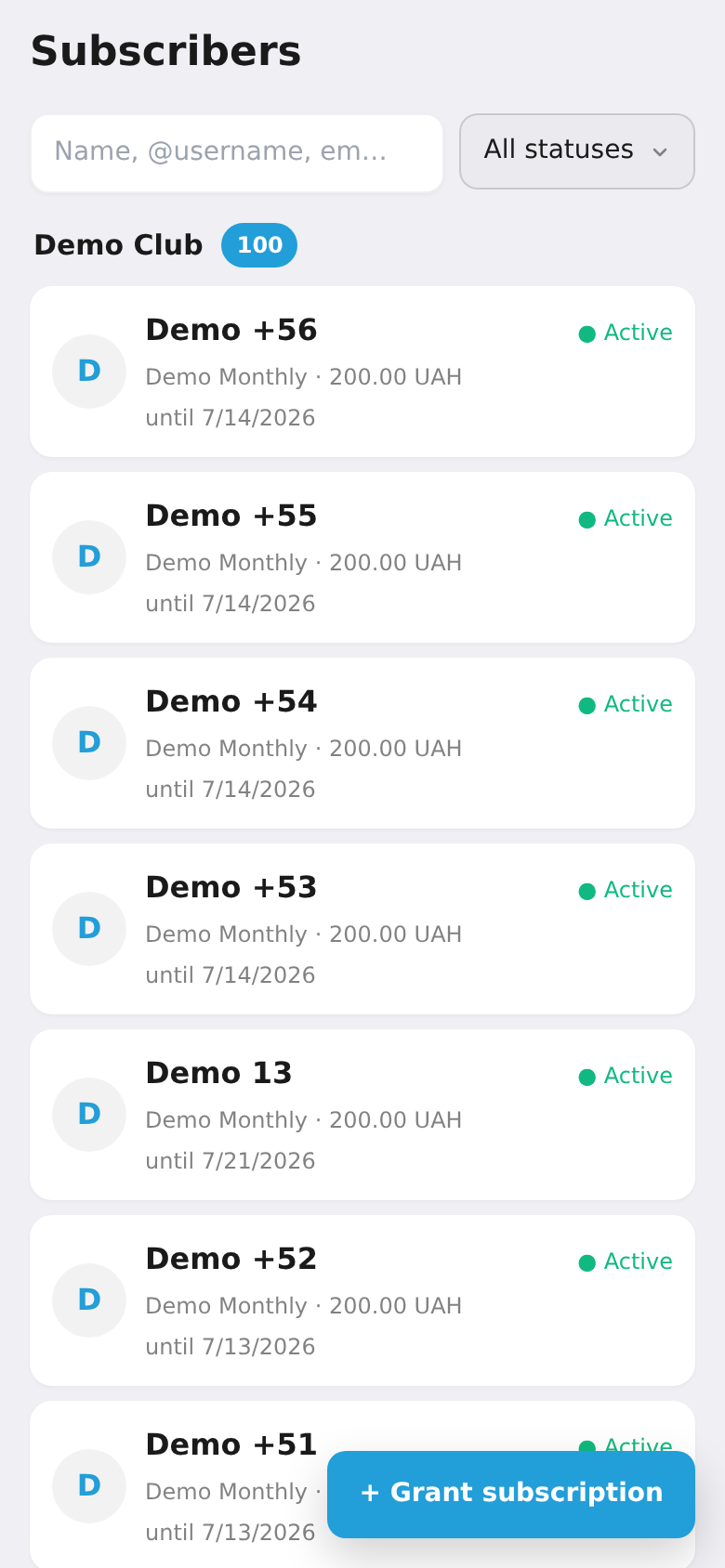
All your subscribers in one list — with search, a status filter (active, trial, expired…), and manual actions: gift access, extend, or remove.
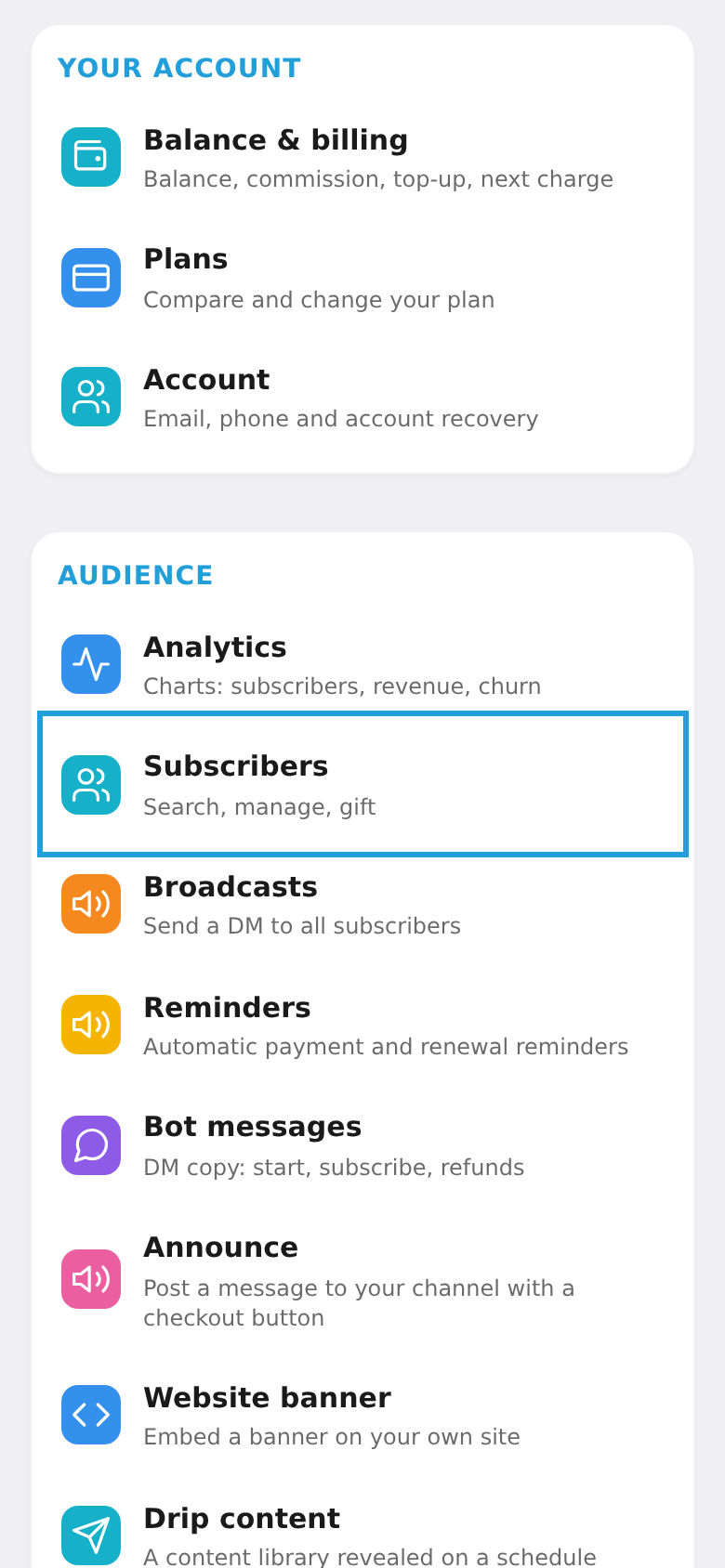
Step 1. Open "Subscribers"
In the workspace menu, under "Audience", choose "Subscribers".
Step 2. Search and manage
Use search and the status filter to find people. Tap a subscriber to open their card — your hub for every manual action (extend, cancel, remove, relink, and more). What each action does is covered in "Subscriber card: every action".