← Help
Platform balance & billing
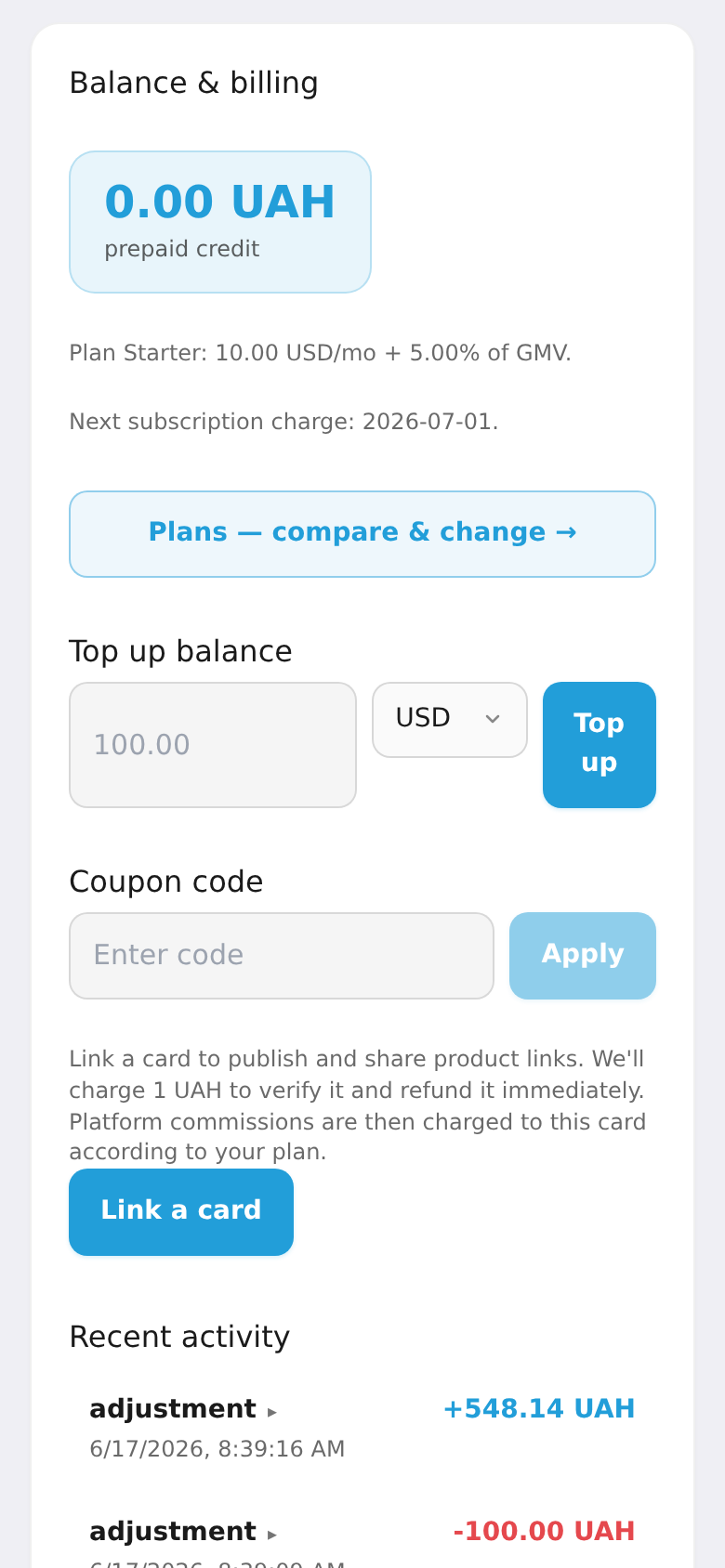
Here you see your balance, how much platform commission is owed, your plan, and the next billing date. Top up the balance so the space isn't suspended for debt.
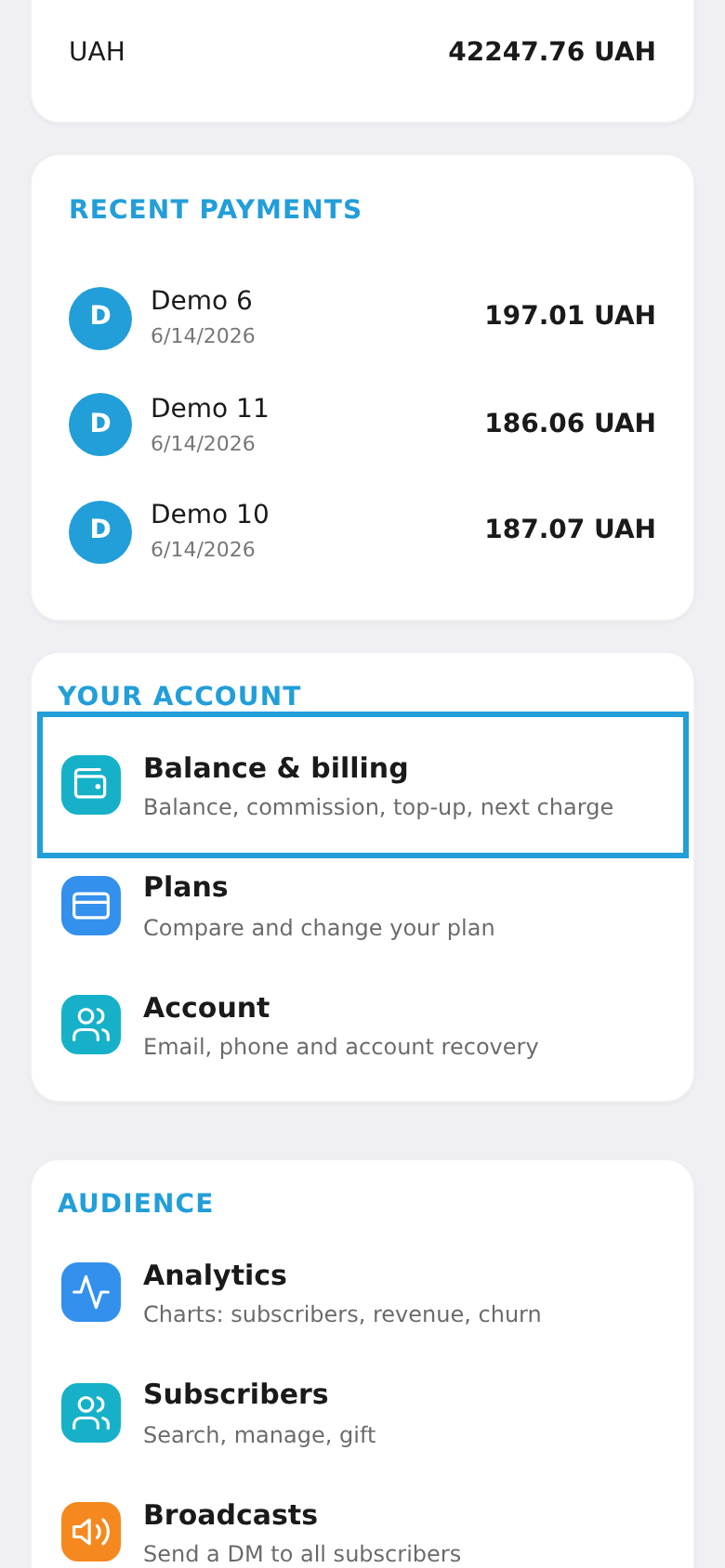
Step 1. Open "Balance & billing"
In the workspace menu, under "Space", choose "Balance & billing" (or the owed-amount card on the dashboard).
Step 2. Check the balance and plan
The screen shows your current balance, accrued commission, your platform plan, and the next billing date. From here you can top up the balance and change your plan.