← Help
The workspace activity log
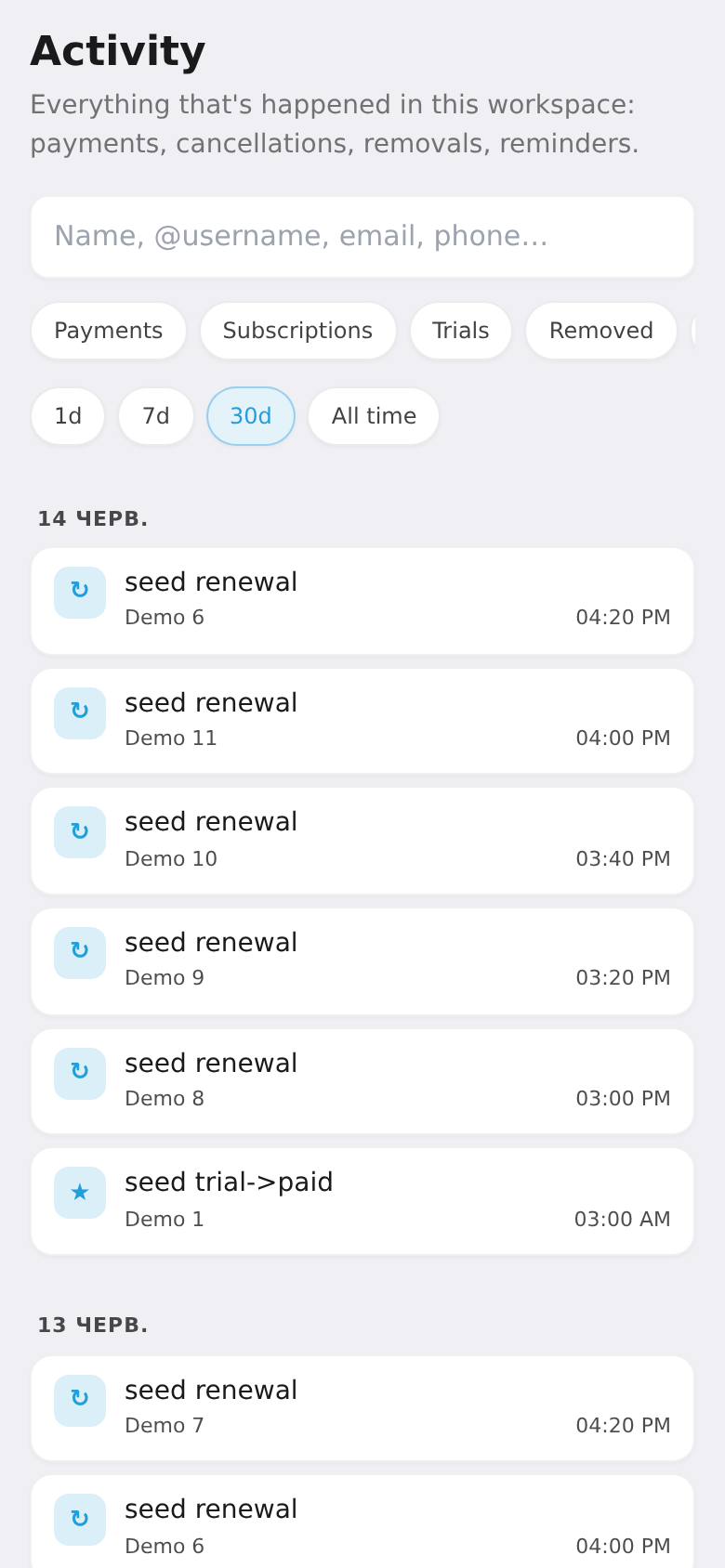
Activity is a feed of everything that happens in your workspace: payments, new subscriptions, trials, kicks from the channel, reminders and failures. Handy for checking what happened with a specific subscriber or payment.
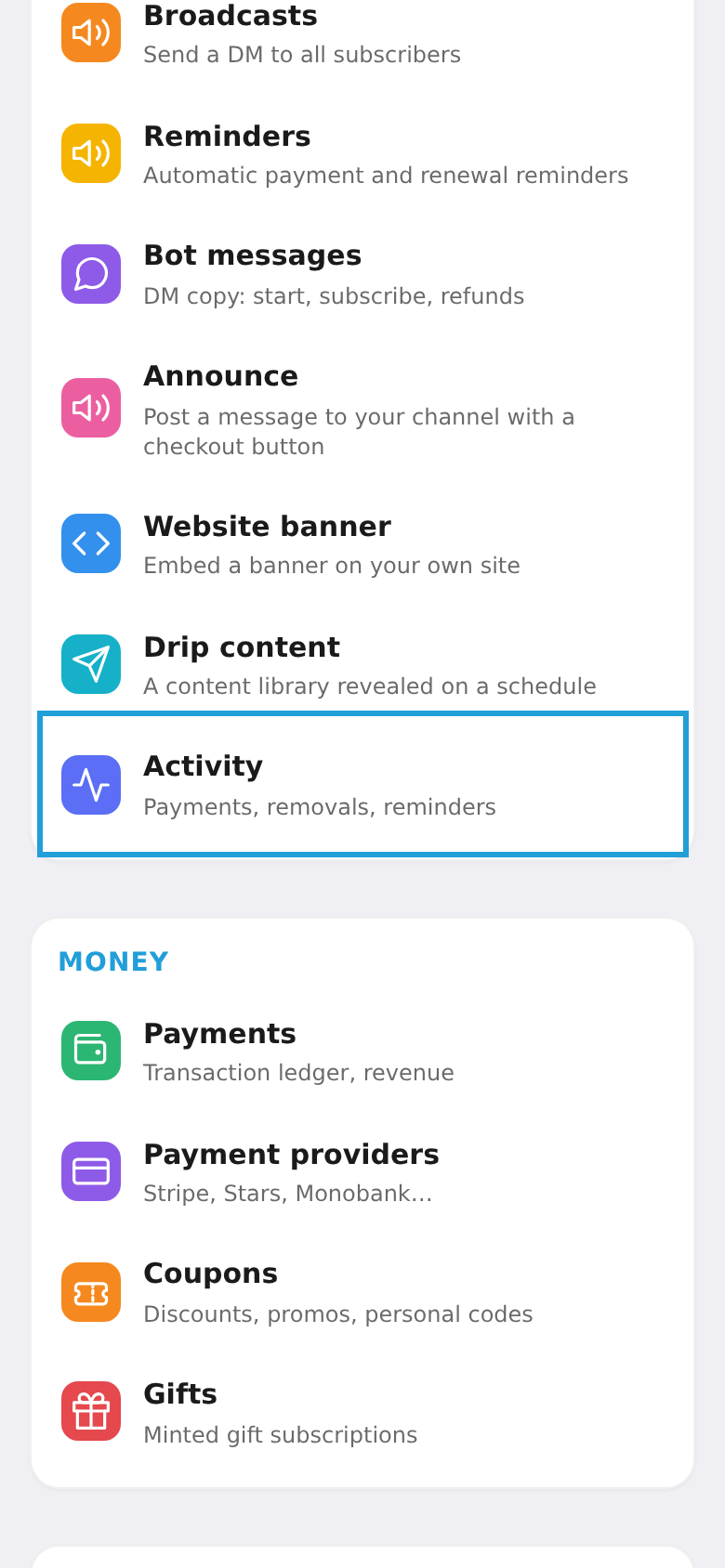
Step 1. Open "Activity"
In the workspace menu, choose the "Activity" tile (payments, removals, reminders).
Step 2. Filter and search events
Events are grouped by day. At the top — search (name, @username, email, phone) and filters: payments, subscriptions, trials, removals, reminders, issues. You can limit the range (1 day, 7, 30, or all). Tap an event to expand its details. It's a read-only log — nothing here is edited.