← Help
How to create a product
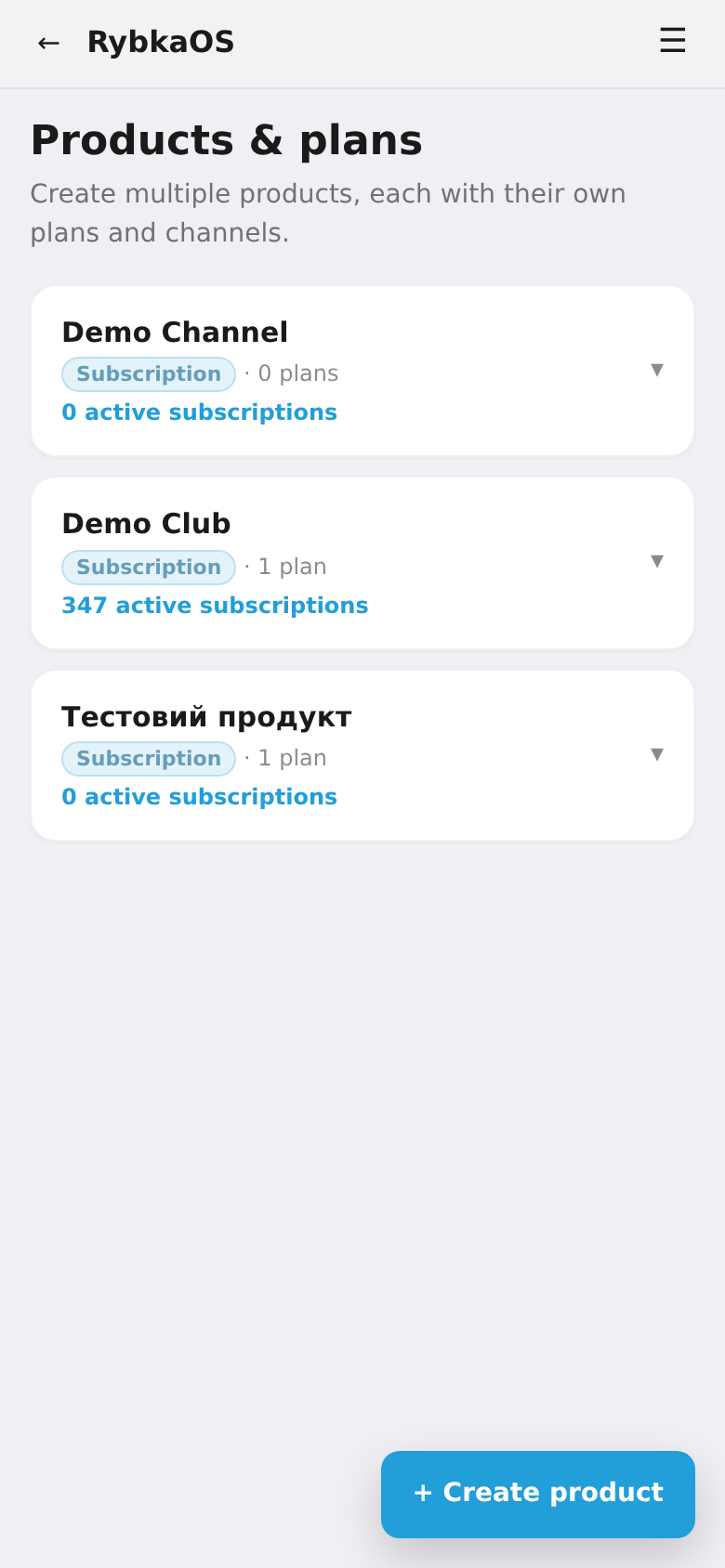
A product is what you sell: a channel subscription, in-app content, files, or a donation. Each product has its own plans and channels.
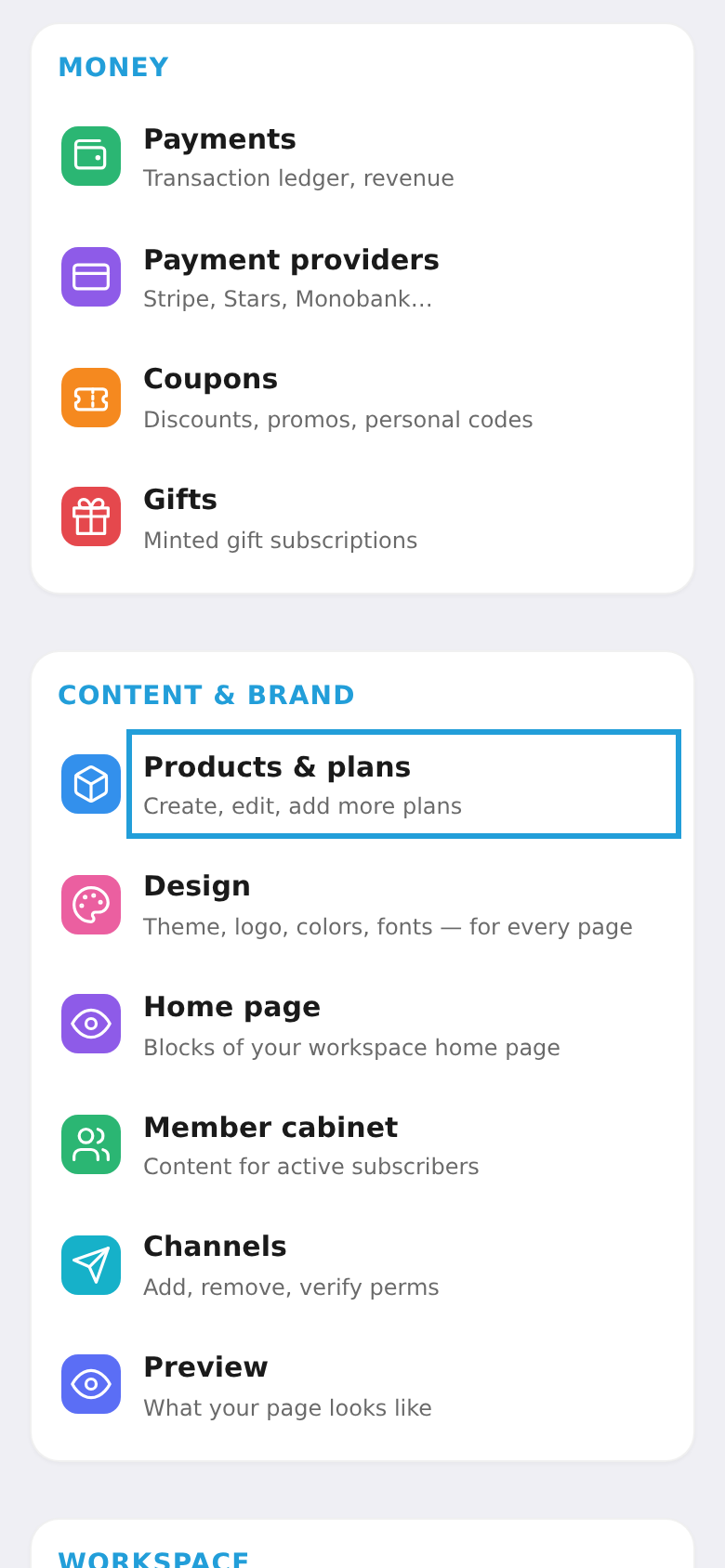
Step 1. Open "Products & plans"
In the workspace menu, under "Content & brand", choose "Products & plans".
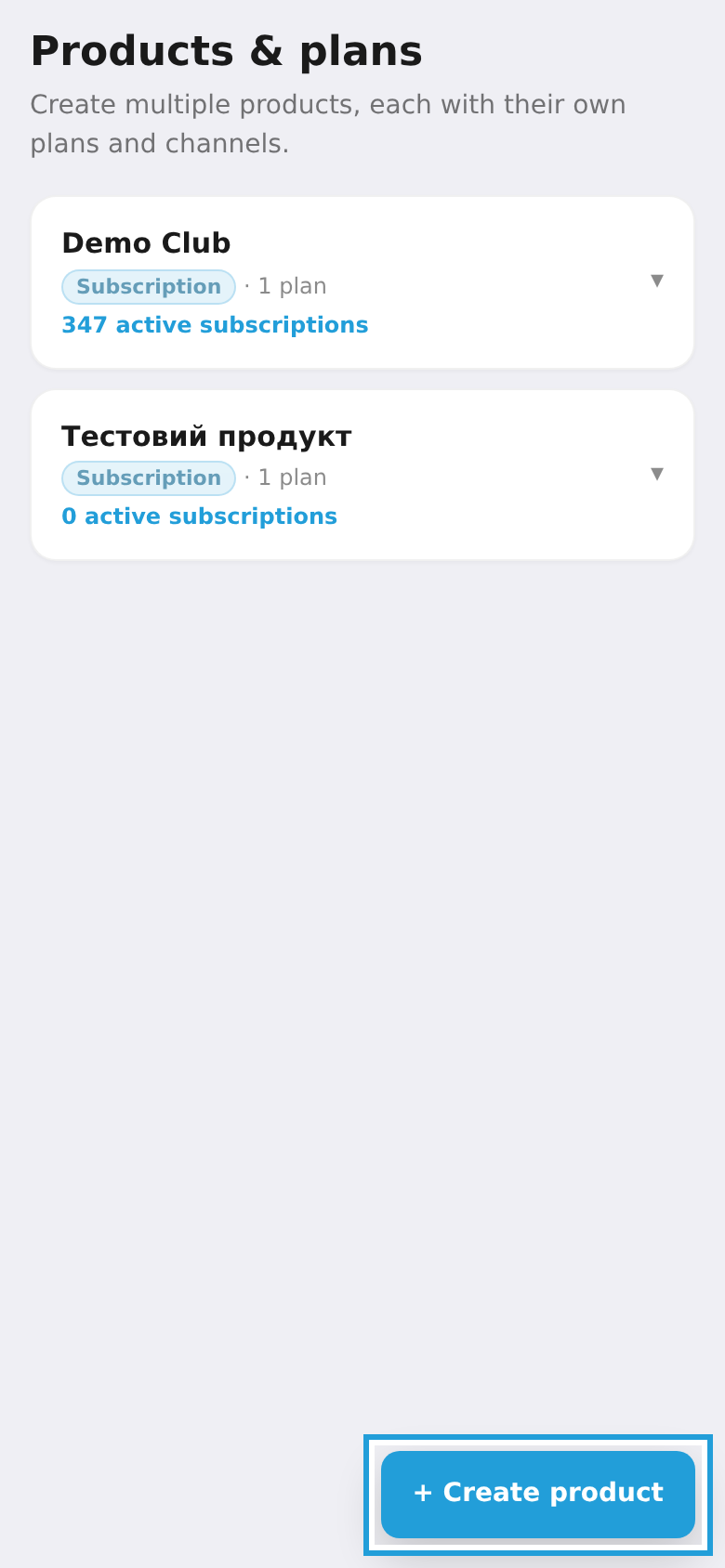
Step 2. Tap "+ Create product"
At the bottom of the product list, tap "+ Create product".
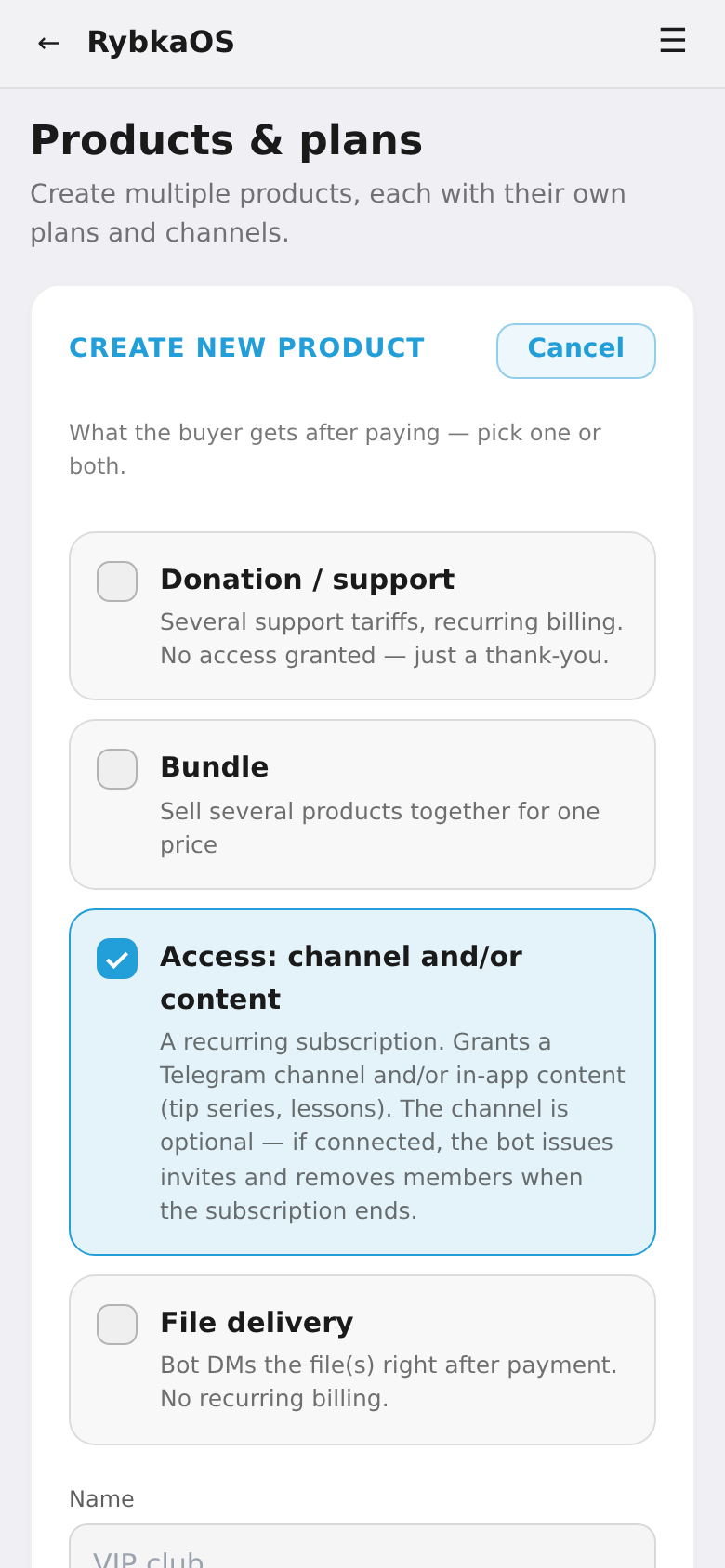
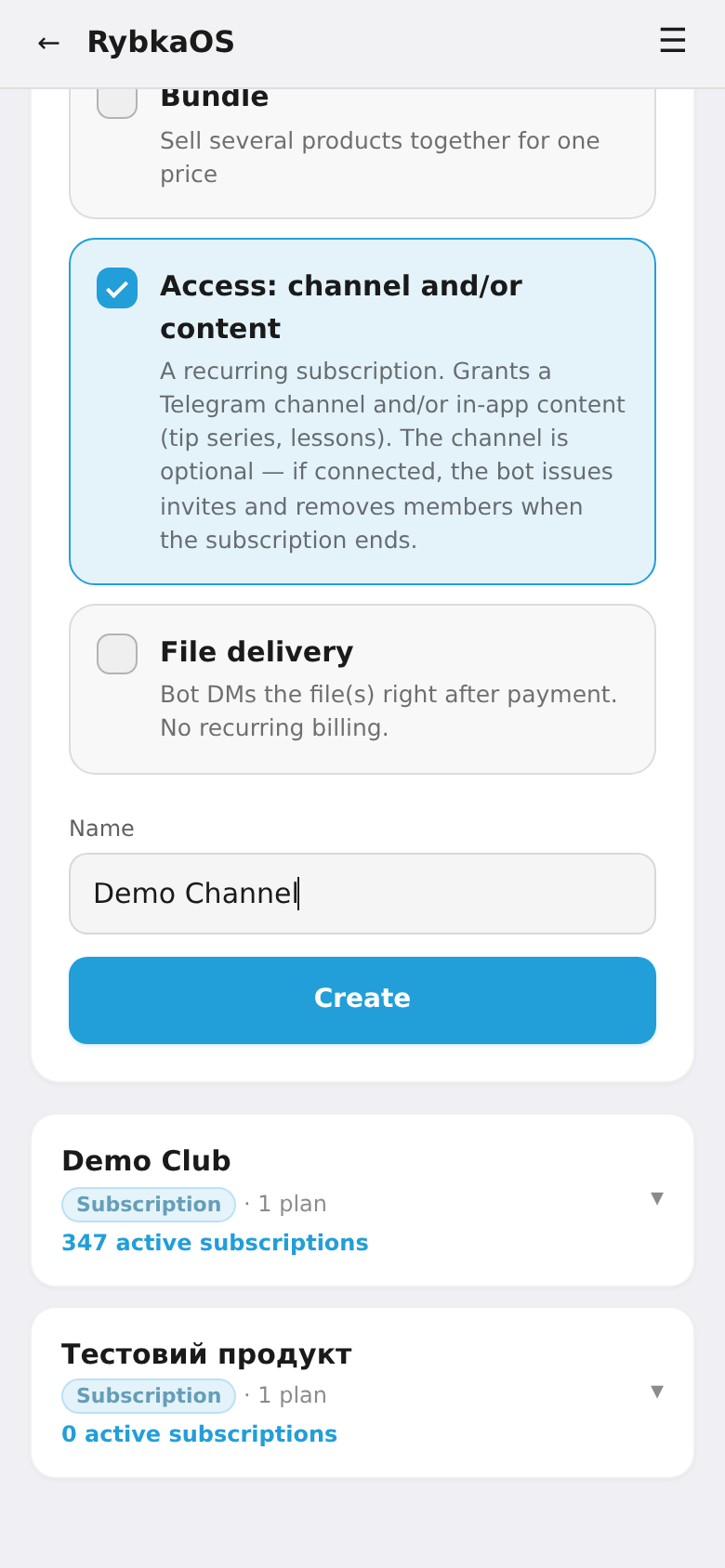
Step 3. Choose what the buyer gets
Tick one or more capabilities:
- Access: channel and/or content — a recurring subscription (on by default).
- File delivery — the bot sends the file(s) right after payment.
- Donation / support — support tiers with no access granted.
- Bundle — several products together for one price.
Step 4. Enter a name and tap "Create"
In the "Name" field, type the product name (e.g. "VIP club") and tap "Create".
Step 5. Done
The product appears in the list. Now open it to add a plan (price and period) and connect a channel.