How to connect a channel or group
A channel or group is the private space you sell access to. After payment the bot invites the subscriber automatically, and removes them when the subscription ends.
Step 1. Open "Channels"
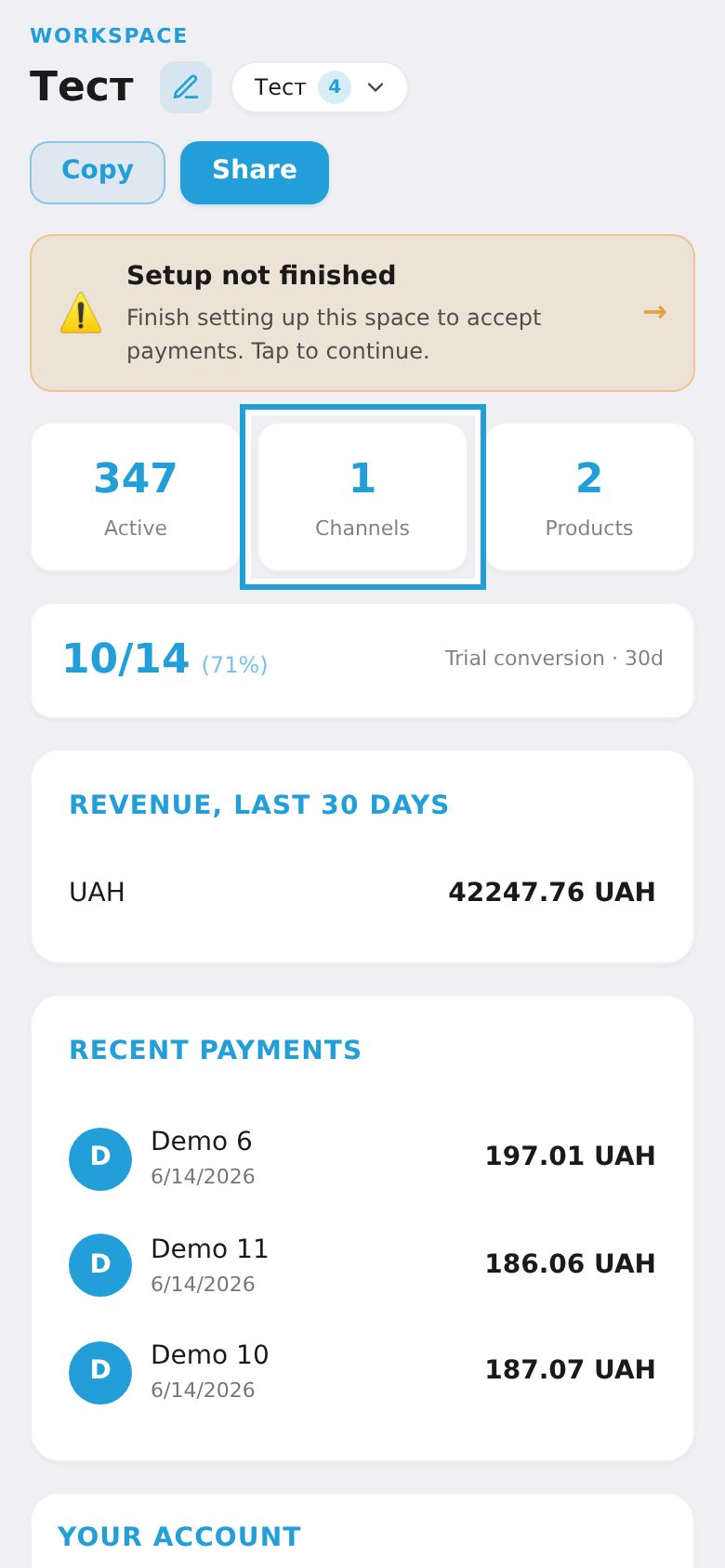
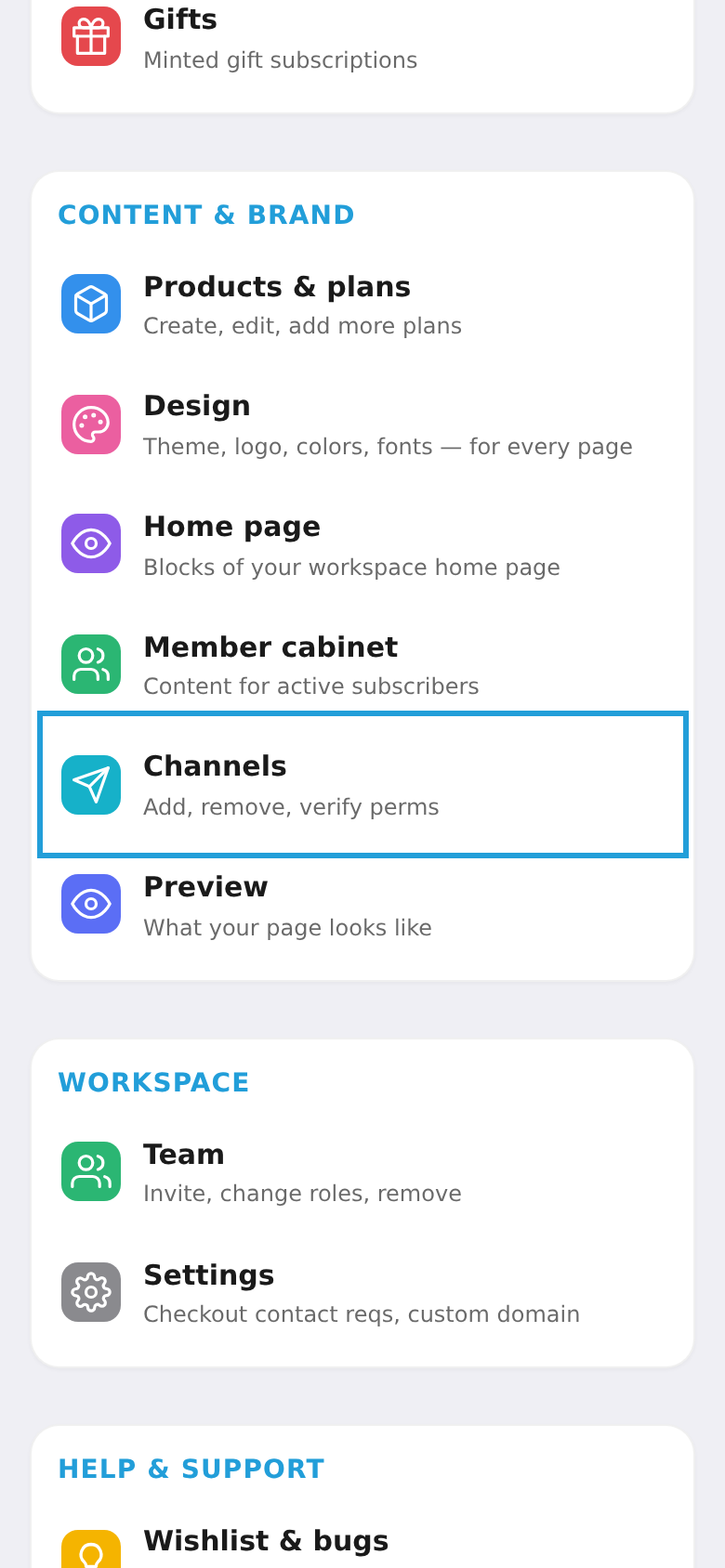
You can open the channels screen two ways: tap the "Channels" card at the top of the dashboard (with the channel counter) or choose "Channels" in the menu (the "Content & brand" section).
Step 2. Add the bot to the channel
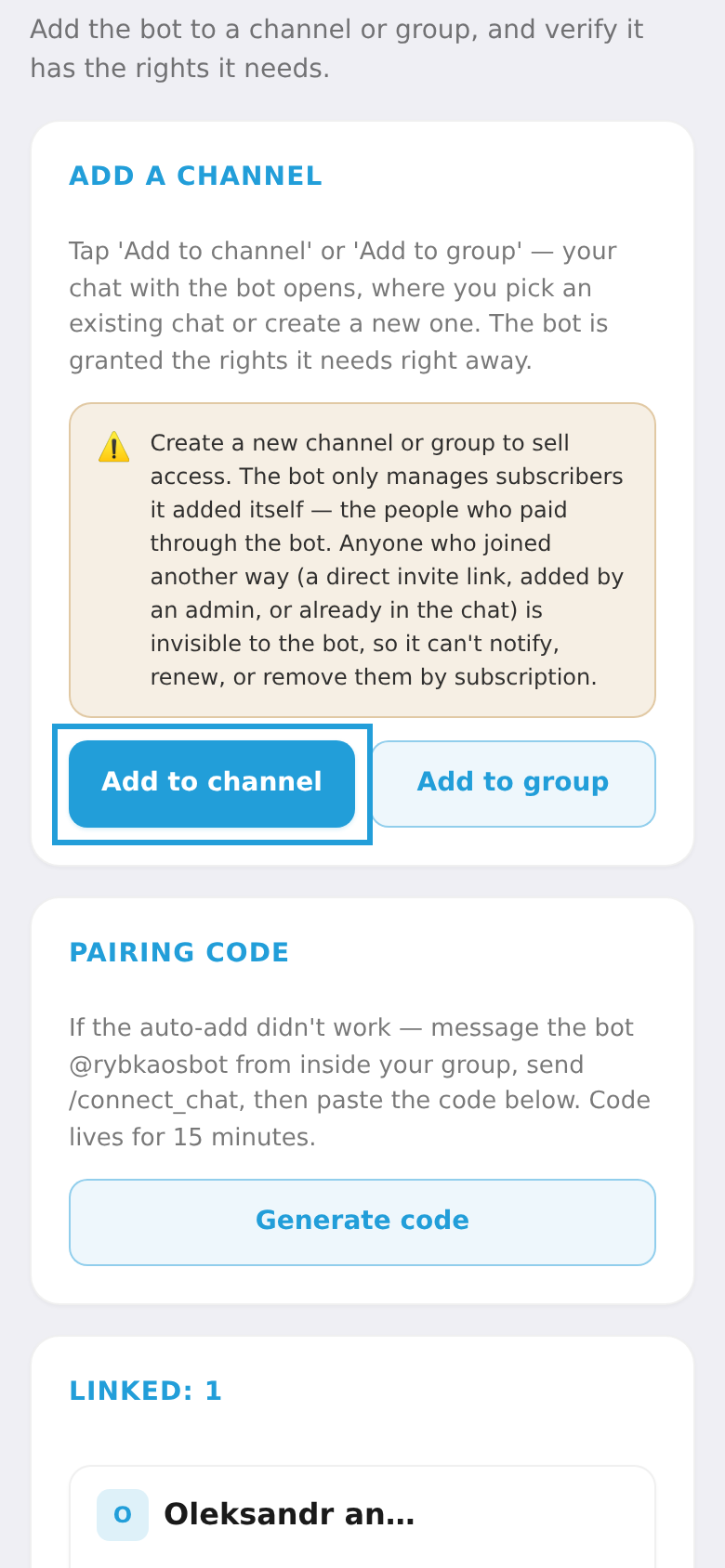
Tap "Add to channel" (or "Add to group"). A chat with the bot opens — pick an existing chat or create a new one; the bot immediately gets the rights it needs.
⚠️ Create a separate channel for selling. The bot only manages subscribers it added itself (those who paid through the bot). People who joined another way are invisible to it.
Step 3. Check the connection
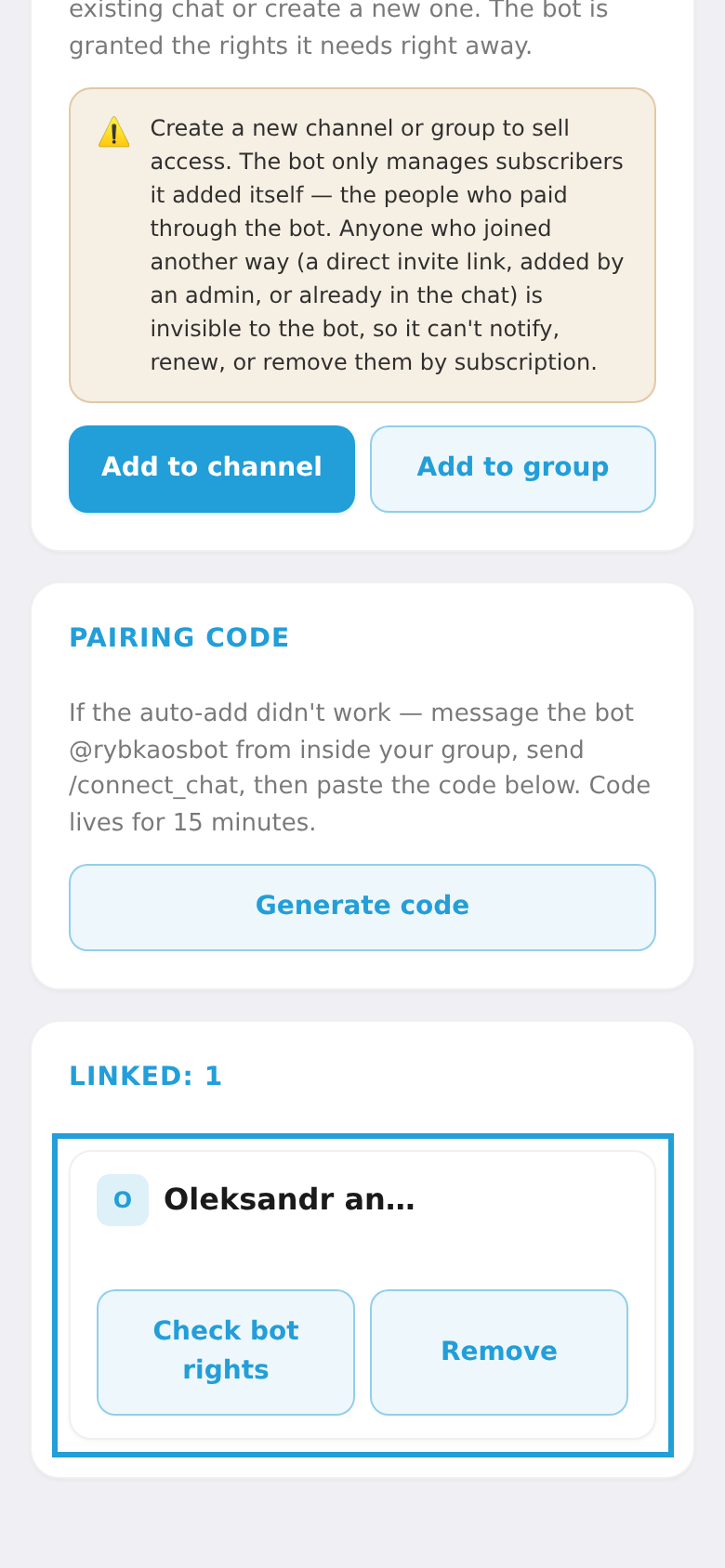
The connected channel appears under "Linked". Tap "Check bot rights" — the status should read "✓ The bot has all the rights it needs". If the bot isn't an admin, make it an admin in the chat with the right to invite and remove members.