← Help
How to view payments
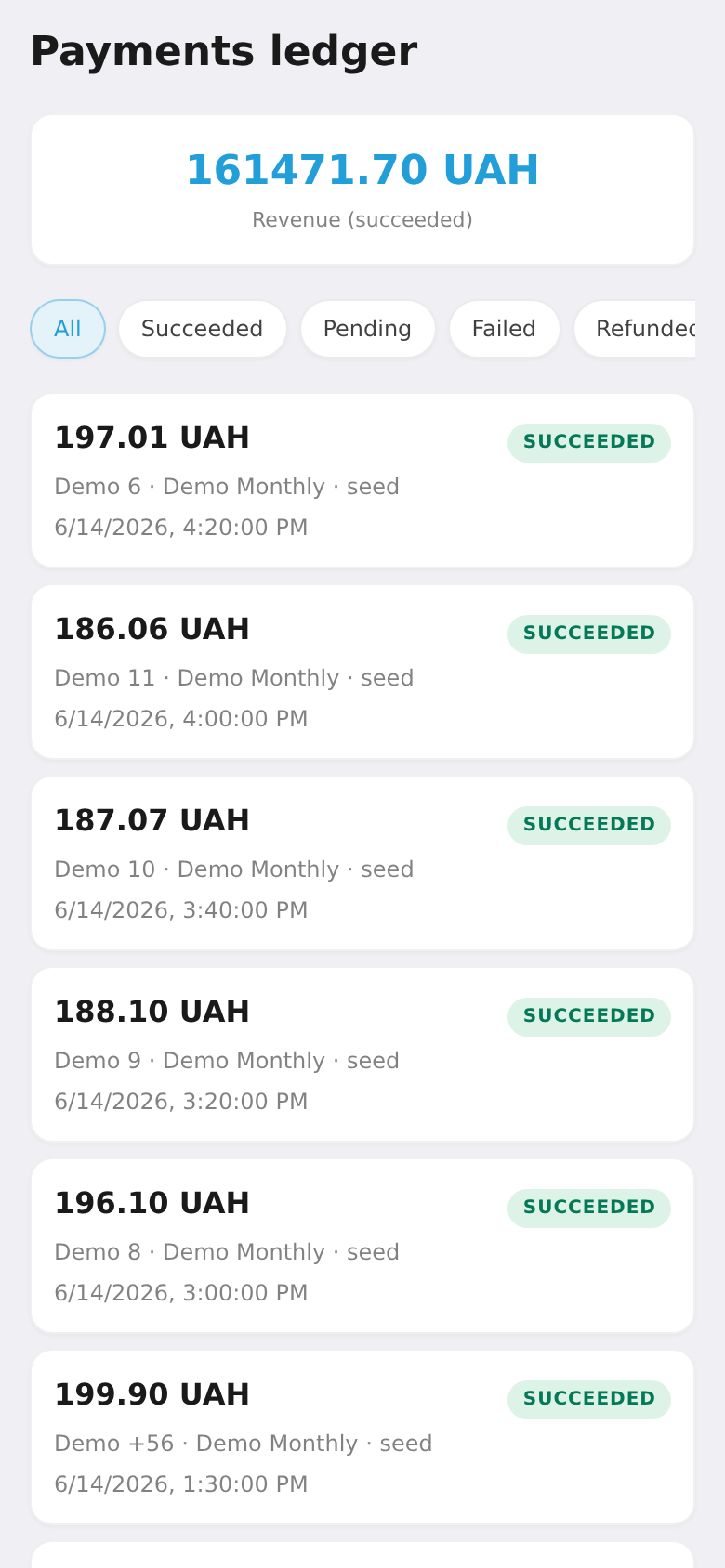
A log of all payments — revenue for the period, statuses and refunds. Tap a payment to see details: product, plan, buyer, provider, and the transaction reference.
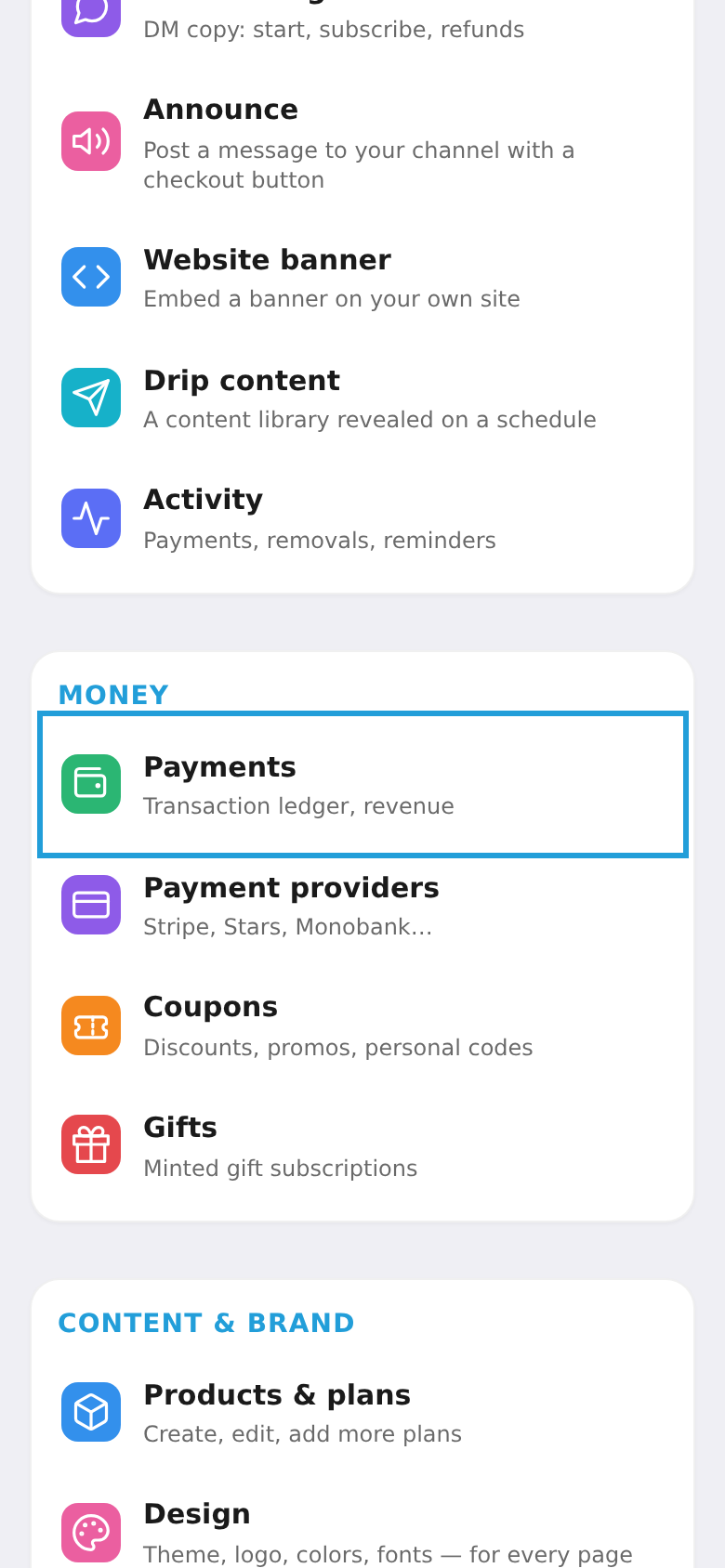
Step 1. Open "Payments"
In the workspace menu, under "Money", choose "Payments".
Step 2. Review the log
At the top — revenue for the period; below — the list of payments with statuses. Tap any one to open its details (product, buyer, provider, refund).