How to add a plan to a product
A plan is a price and a billing period (e.g. 199 UAH per month). A product can have several plans — different periods or prices. For a simple plan, step 3 is enough; a trial period, intro price and renewal discount live under "Advanced settings" (step 4).
Step 1. Open the product
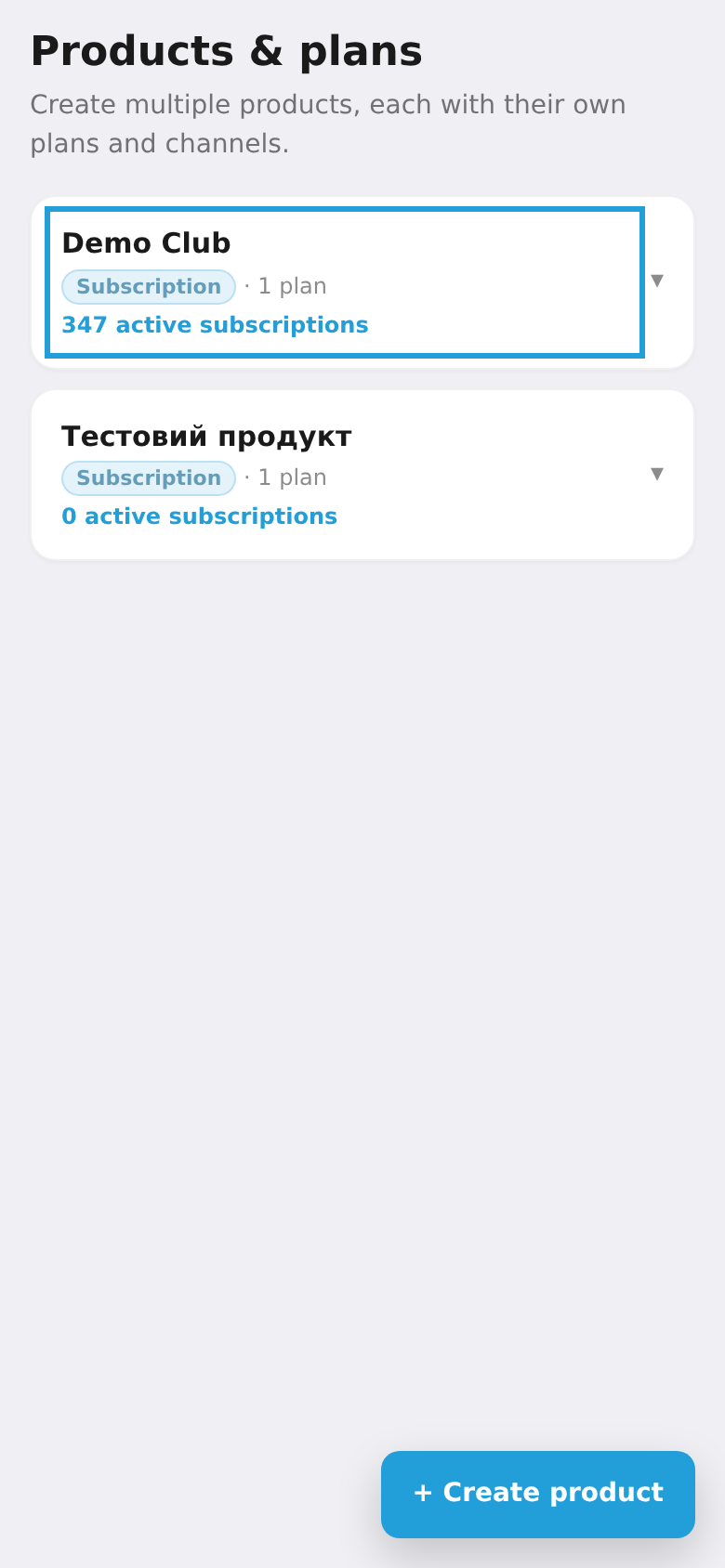
In the "Products & plans" list, tap a product to expand its settings.
Step 2. Tap "+ Add plan"
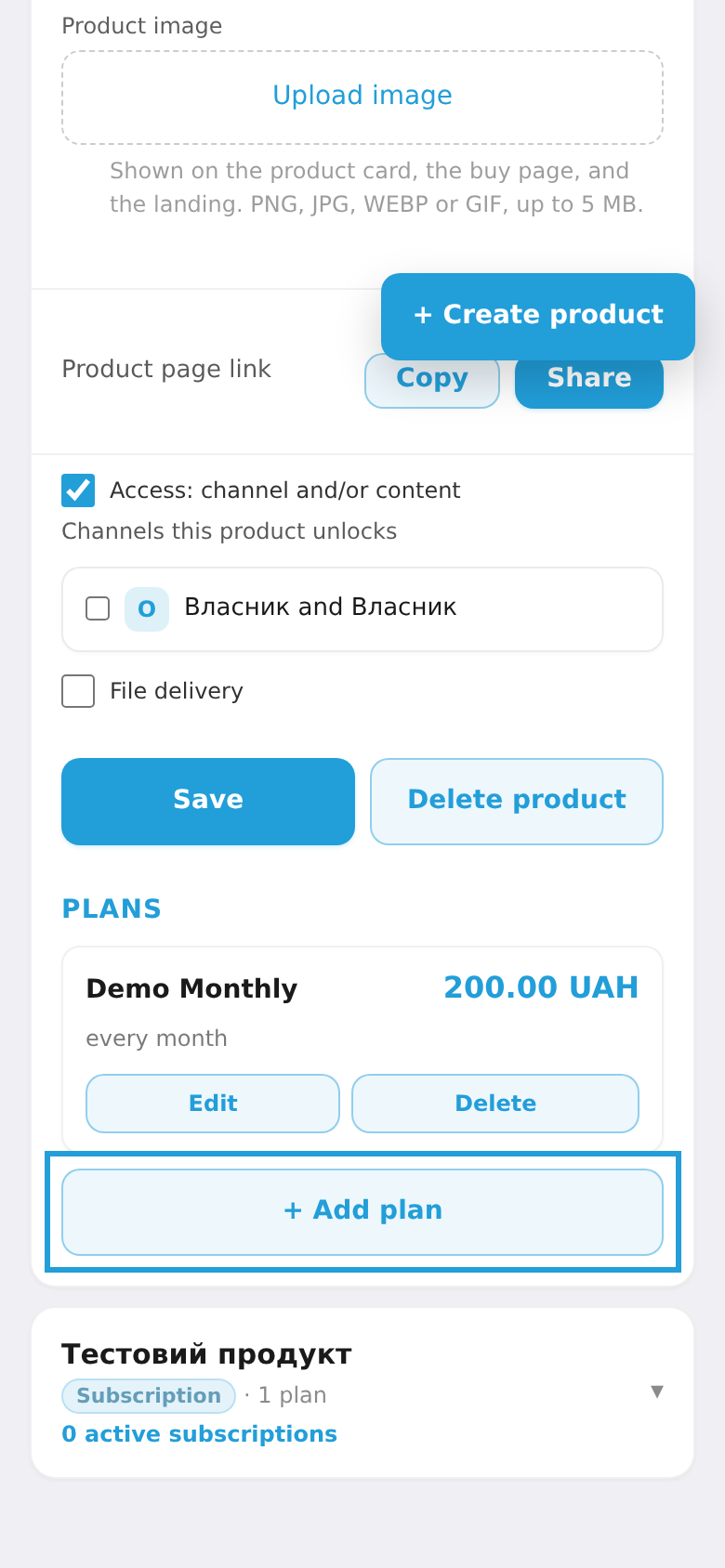
Scroll to the "Plans" section — it lists the existing plans. Tap "+ Add plan".
Step 3. Fill in the main fields
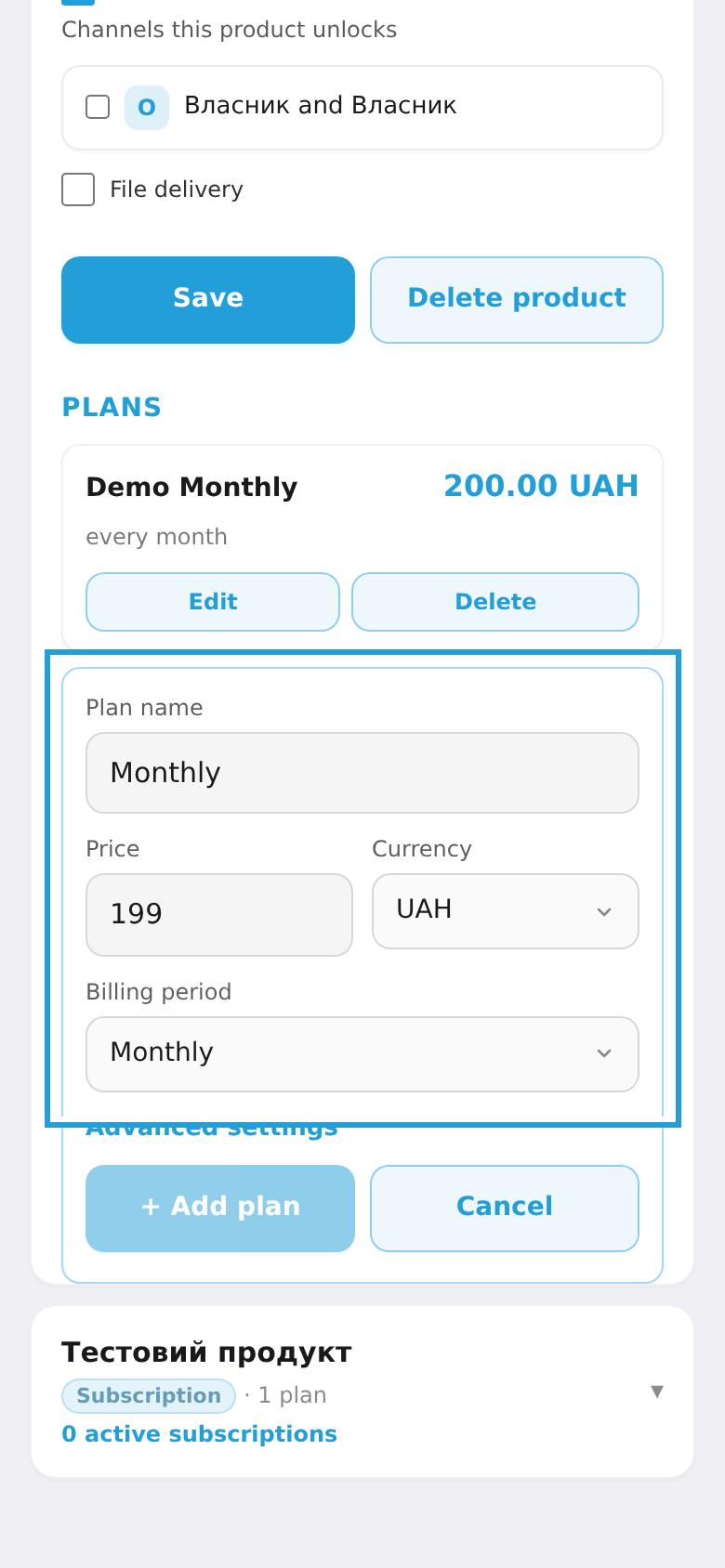
Enter the plan name, price, currency (UAH, USD, EUR, PLN) and billing period (one-time / weekly / monthly / quarterly / yearly). That's enough for a simple plan — if you need nothing more, go straight to saving (step 5). For a trial period or discounts, expand "Advanced settings" (step 4).
Step 4. Advanced settings (optional)
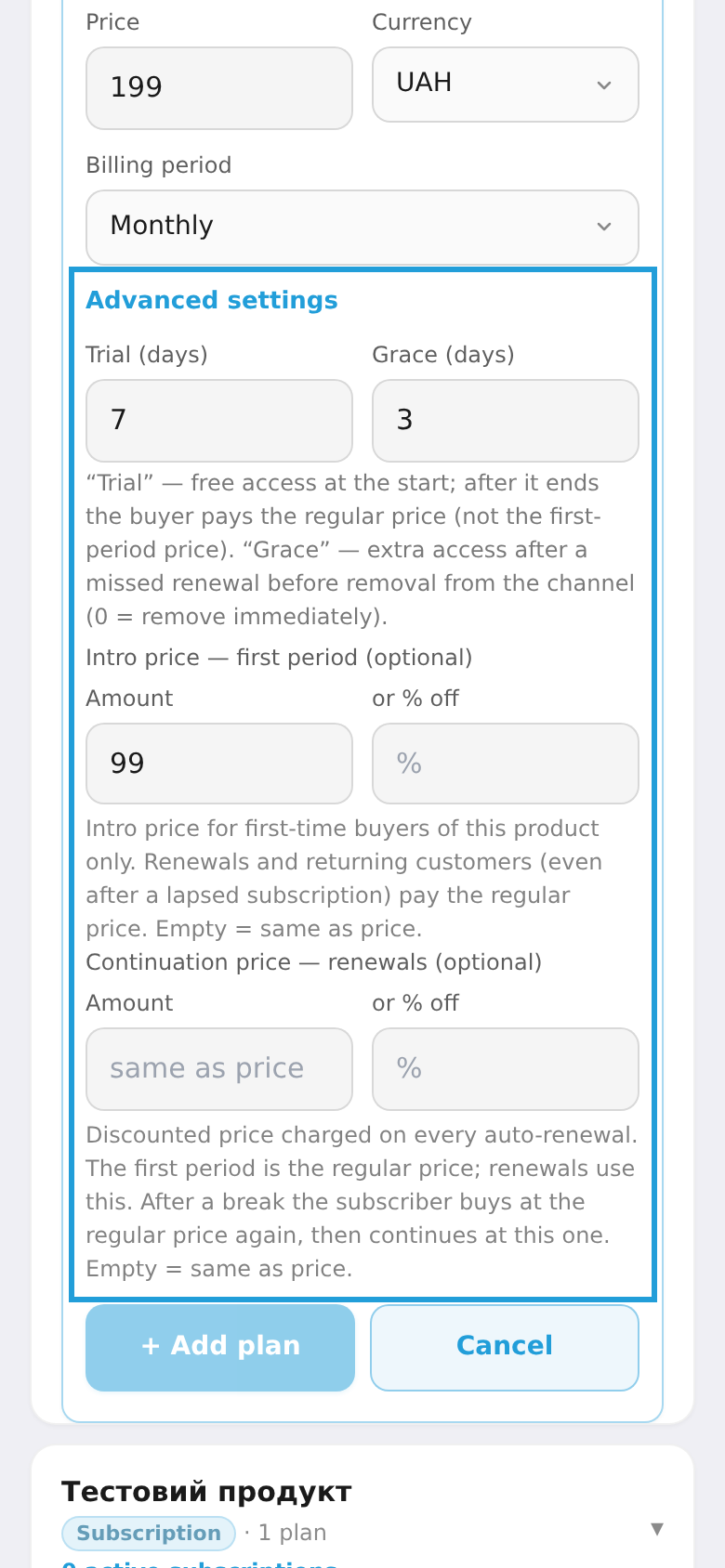
Tap "Advanced settings" to expand the optional fields. There are four:
- Free (days) — a trial period: the buyer gets free access for that many days, and payment is charged only after it ends. After the trial the regular price applies (not the intro one).
- Grace (days) — how many days to keep access after a missed renewal before removing the member from the channel (
0= remove immediately). - Intro price — first period — a reduced price for the first charge of new buyers only. Renewals and returning buyers pay the regular price. Set it as an amount or a % discount; empty = same as the main price.
- Renewal price — renewals — a reduced price on every automatic renewal. The first period uses the regular price, then this one. After a break the subscriber buys again at the regular price, then renews at this one. Amount or % discount; empty = same as the main price.
Step 5. Save the plan
Tap "+ Add plan" — the new plan appears in the "Plans" list under the product. You can add more plans the same way (e.g. a yearly one next to the monthly).