Blocks: member cabinet
Content blocks for the private cabinet of active subscribers: lessons, files, content series, subscription details and contact form. Each block shows its settings panel and, where useful, an example of how it looks on the page.
Course / lessons
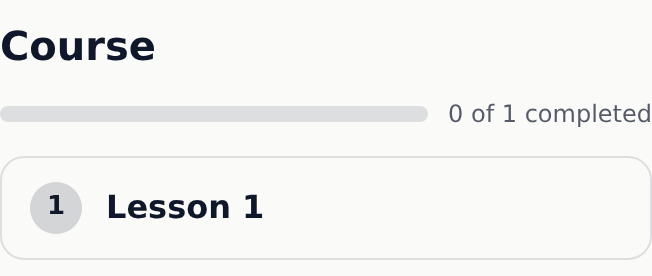
An ordered list of lessons with progress.
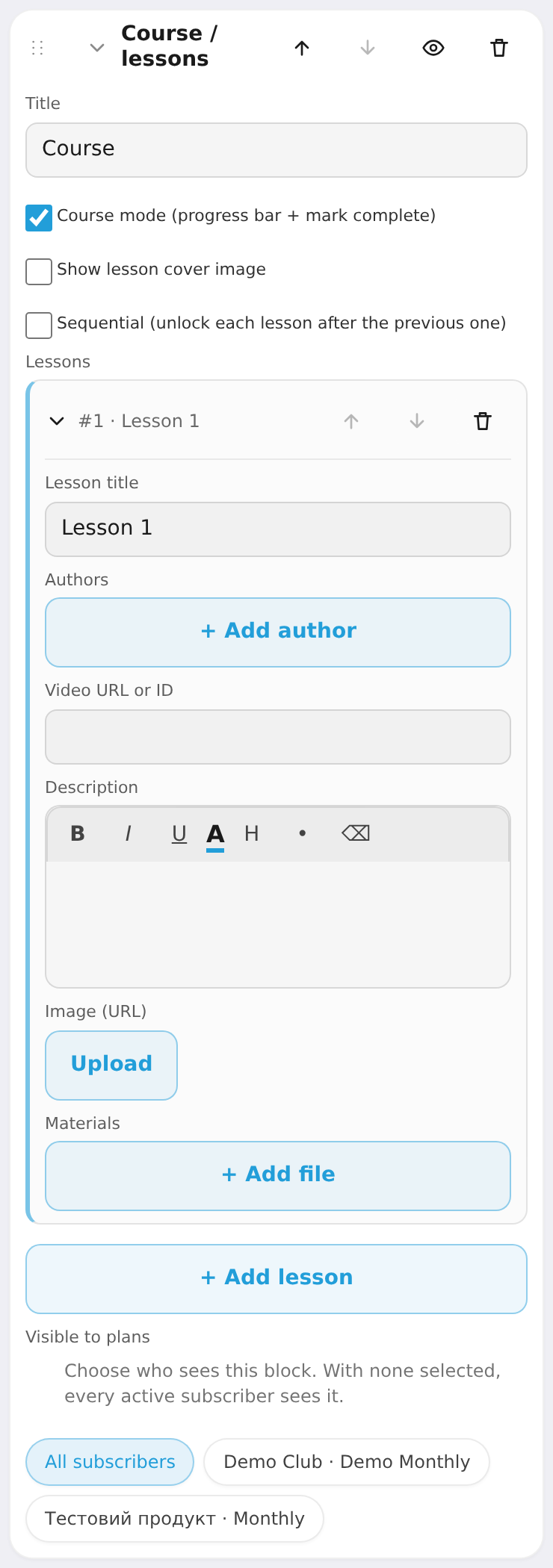
Settings: title, course mode (progress + "mark complete"), show lesson thumbnails, sequential unlock (next lesson after the previous is done), lessons (title, authors, video, description, cover image, downloadable materials).
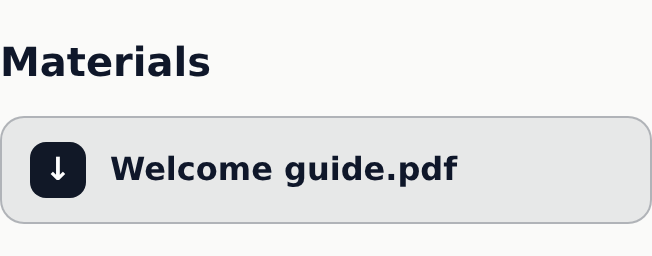
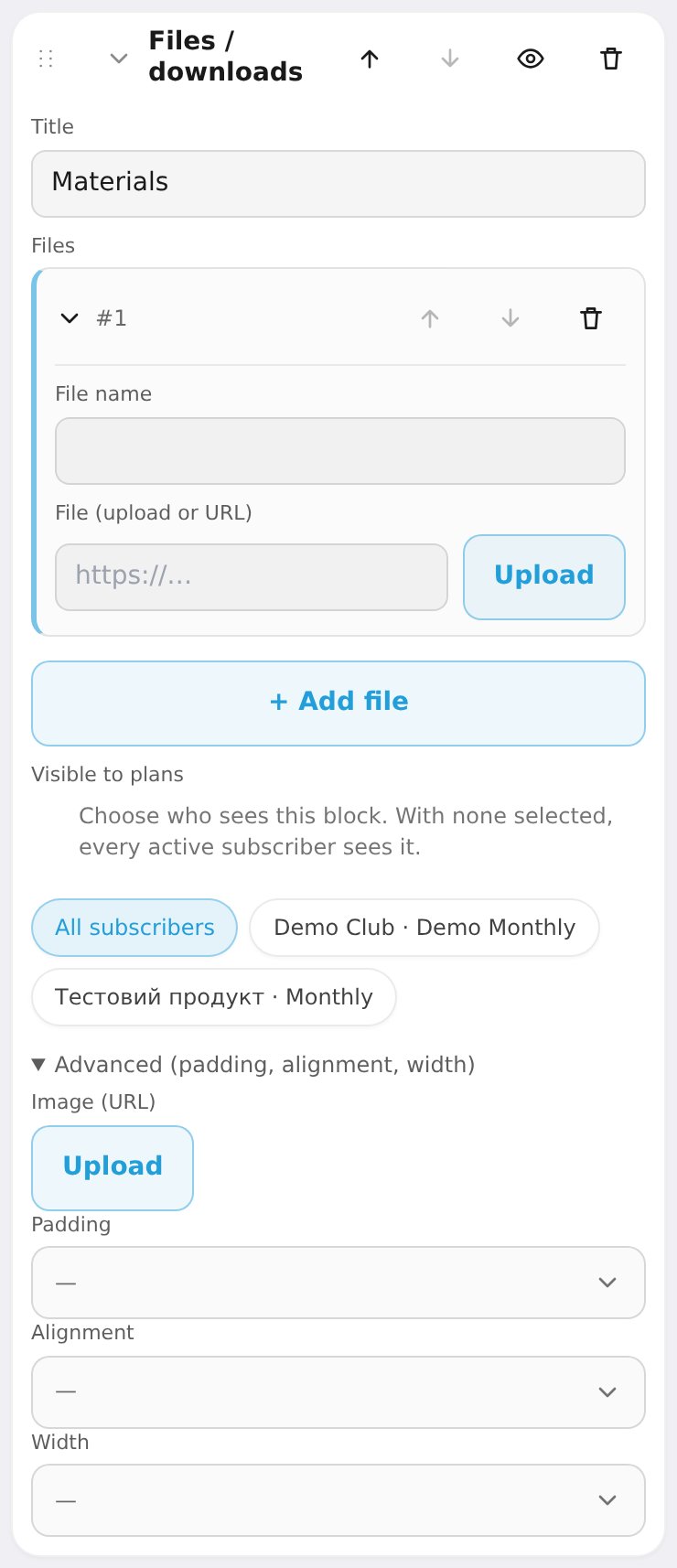
Files / downloads
A list of downloadable resources (PDF, zip, audio).
Settings: title, files (label + file/URL).
Content series (drip) — cabinet only
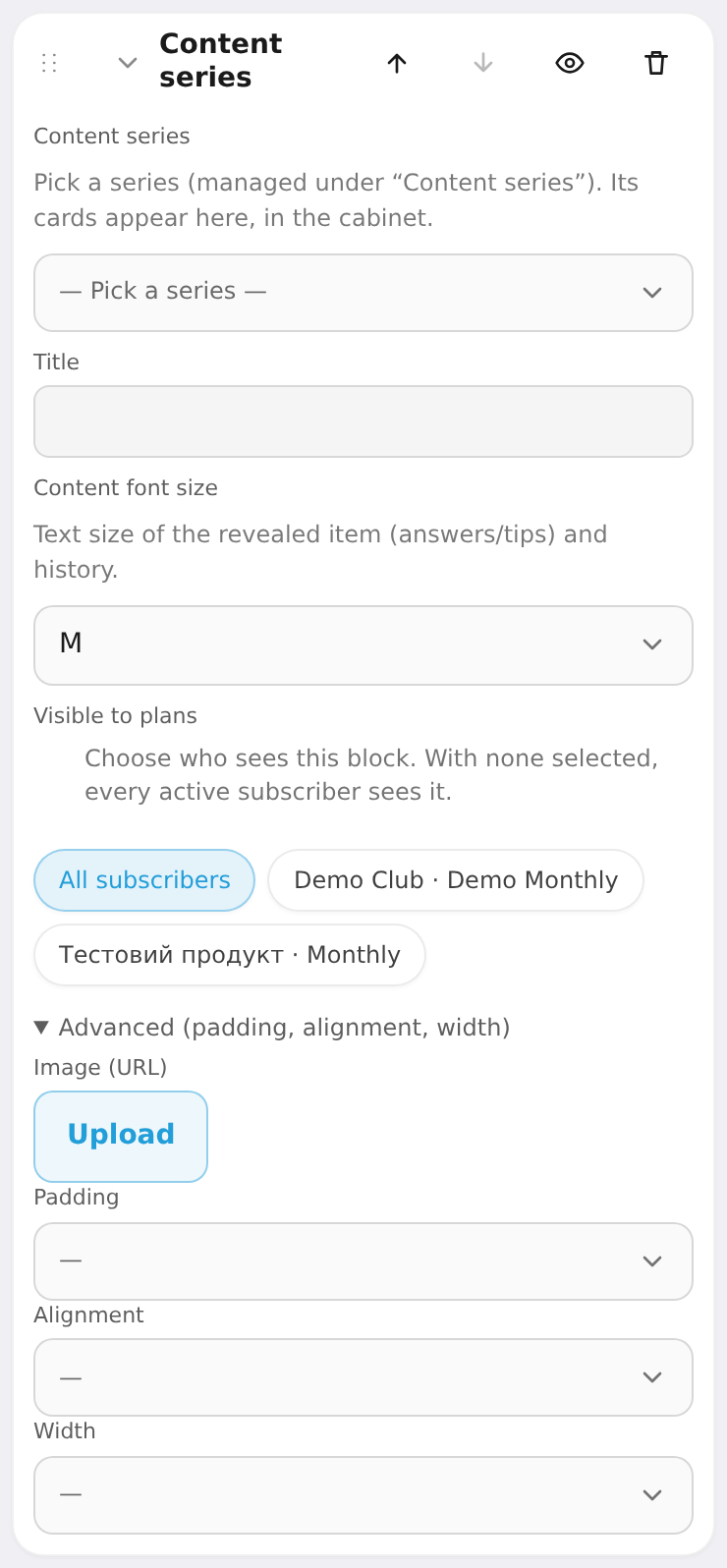
Content that unlocks gradually (drip). The block just points to a series created under "Content series".
Settings: content series (pick the collection), title, content font size (S/M/L/XL).
Subscription details — cabinet only
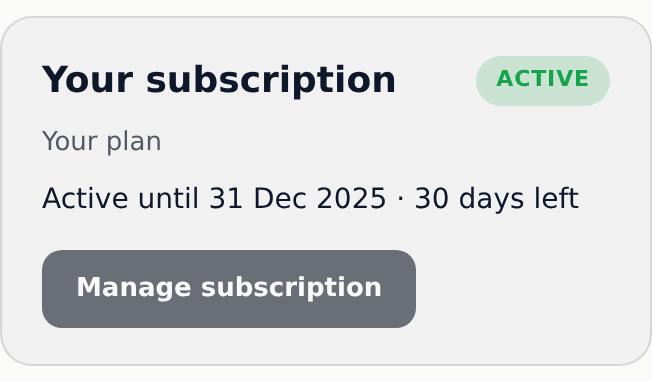
Shows the member their own plan and renewal date.
Settings: title, show plan name, show renew button.

Contact details — cabinet only
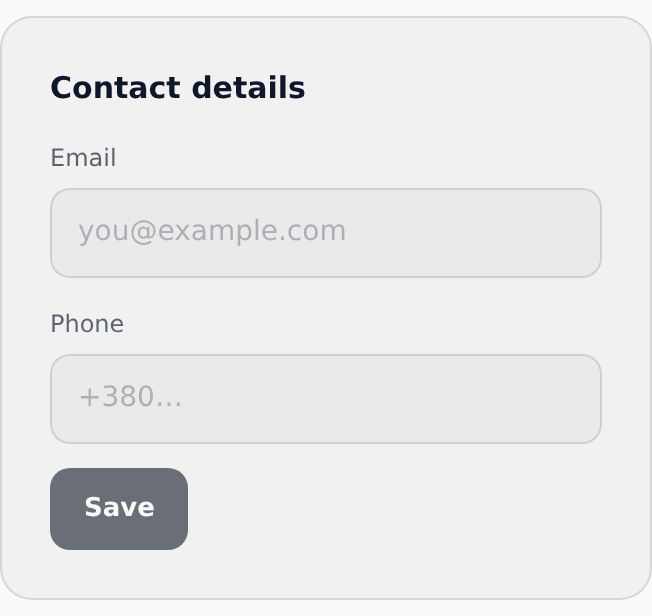
A form where the member edits their own email/phone.
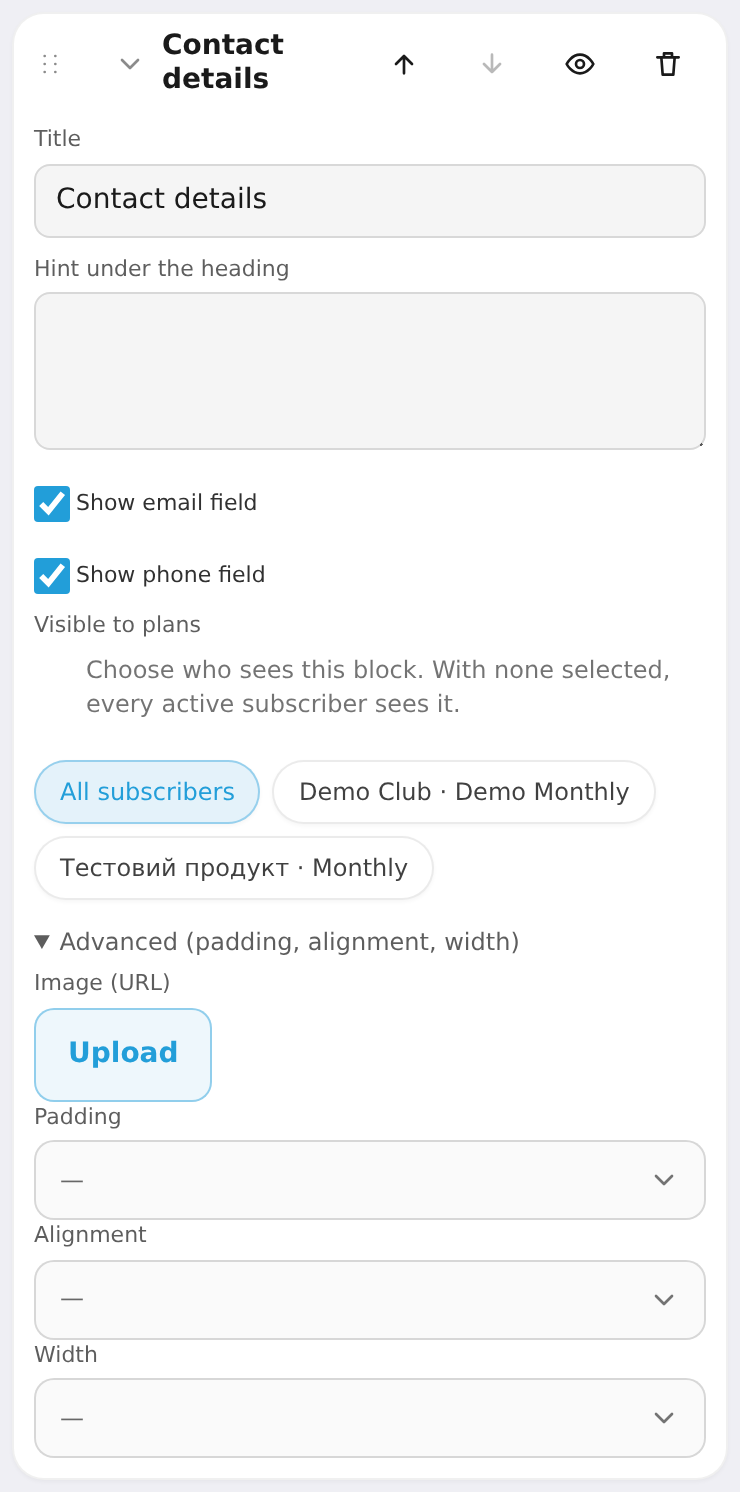
Settings: title, hint under the title, show email field, show phone field.