← Help
Your account and access recovery
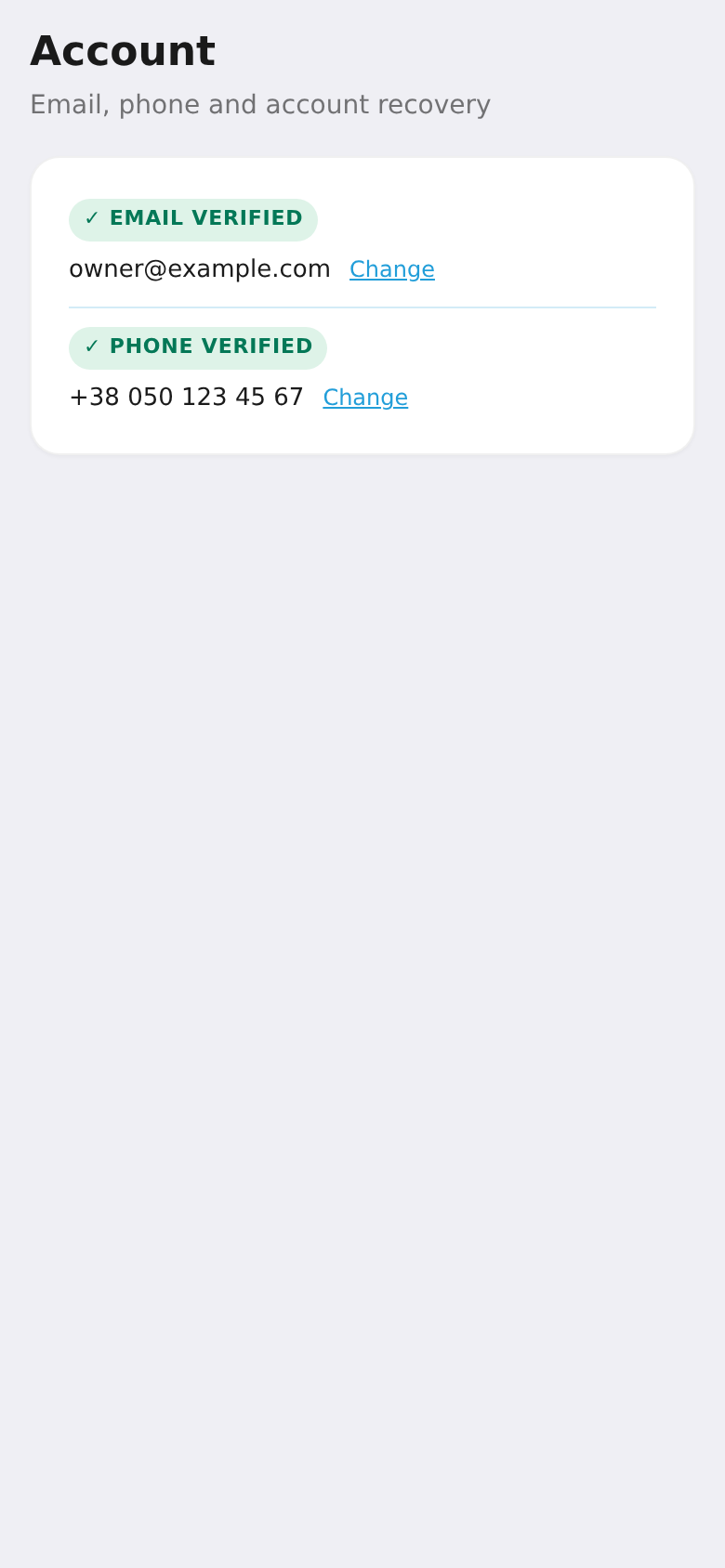
Your account holds the email and phone used for contact and access recovery. If you lose your Telegram account, these contacts are how you regain access to all your workspaces. They're shared across all your workspaces.
Step 1. Open "Account"
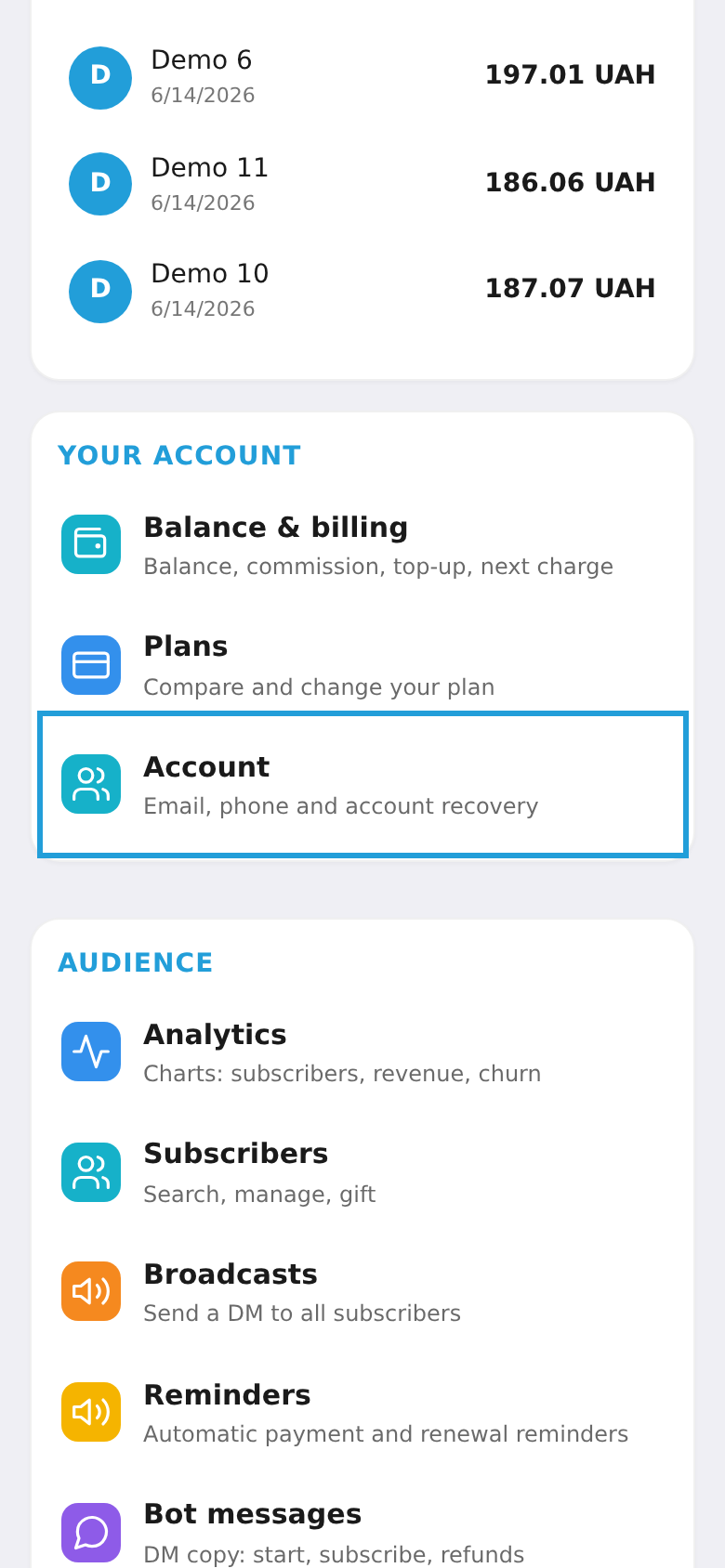
In the workspace menu, under "Your account", choose the "Account" tile (email, phone and access recovery).
Step 2. Set your email and phone
Enter your email (for access recovery) and optionally your phone, then tap "Save contact". We recommend verifying the email — that way access to your workspace stays protected even if something happens to your Telegram account.