← Help
How to configure your space
Space settings — required contact fields at checkout (email / phone), home-page behavior, and a custom domain.
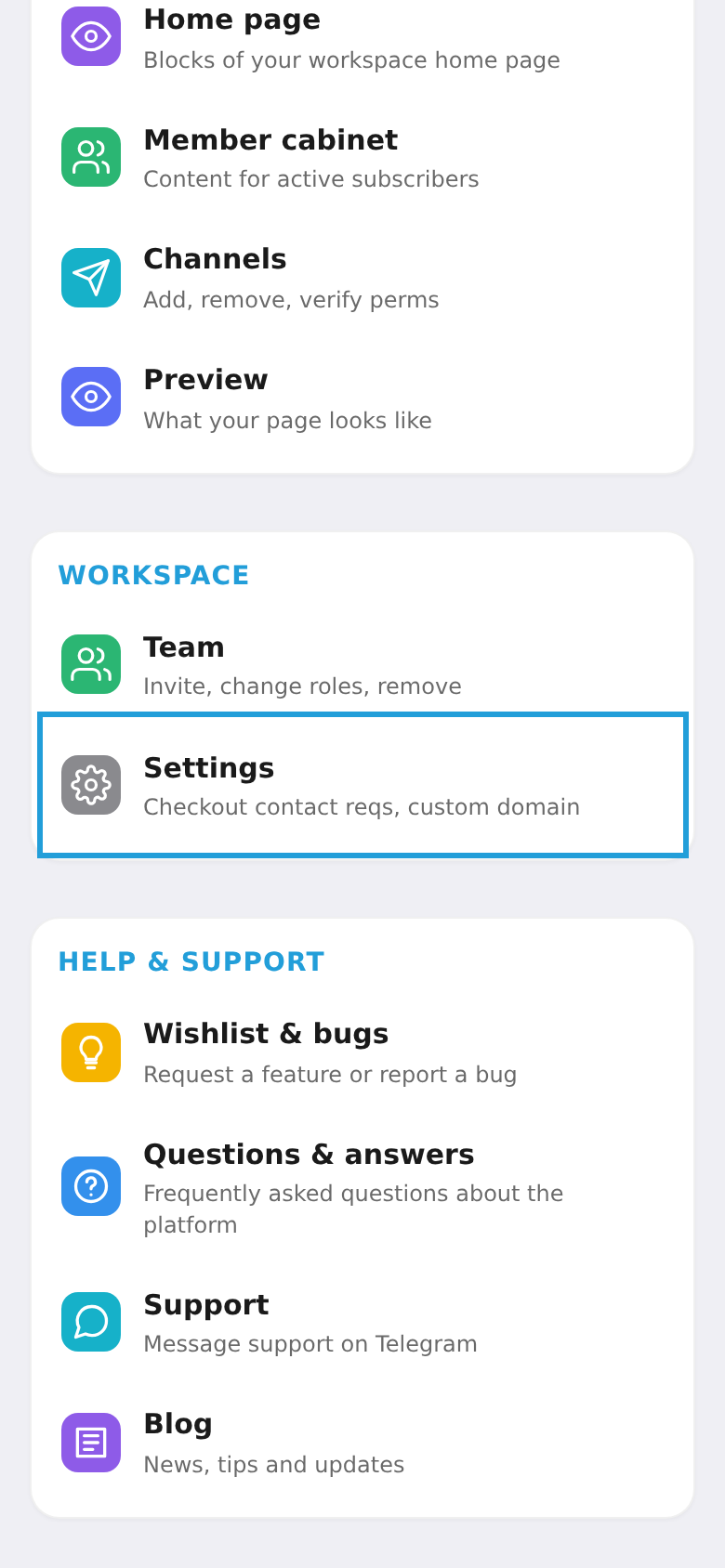
Step 1. Open "Settings"
In the workspace menu, under "Space", choose "Settings".
Step 2. Configure checkout
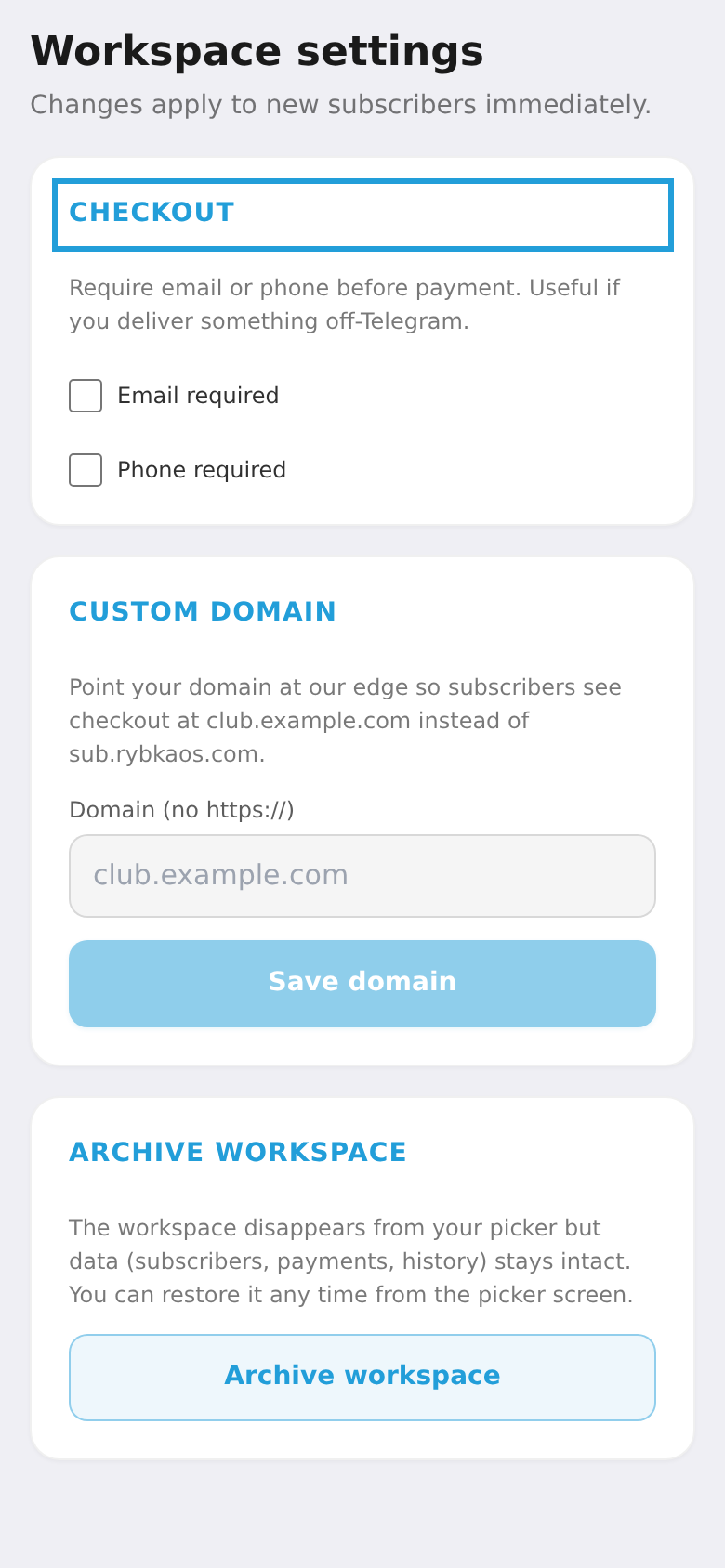
Under "Checkout" choose whether to require an email or phone at payment — useful if you deliver something outside Telegram.
Step 3. Connect a custom domain
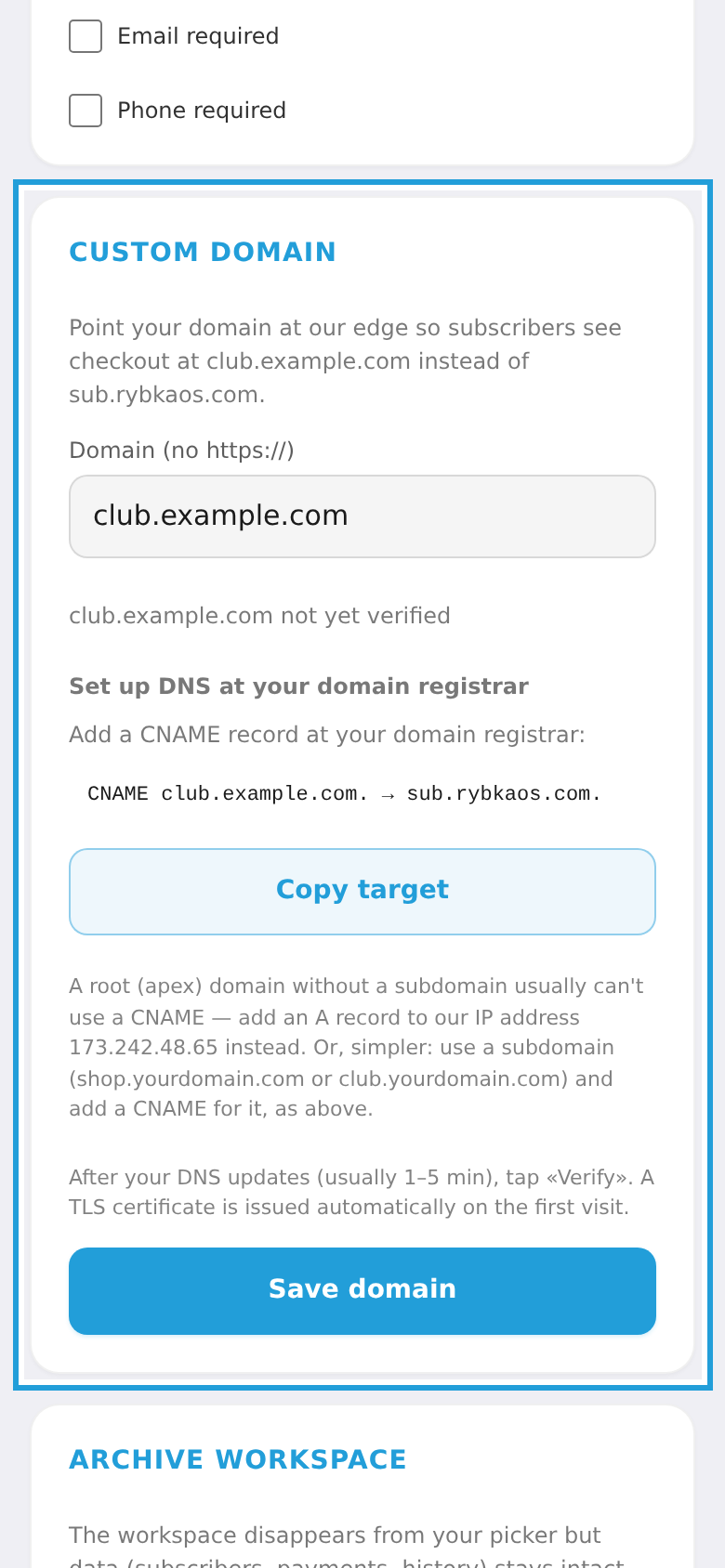
Under "Custom domain" enter your domain (without https://) and tap "Save domain". The platform then shows which DNS record to add at your domain registrar:
- Subdomain (e.g.
shop.yourdomain.comorclub.yourdomain.com) — add a CNAME pointing tosub.rybkaos.com. - Root (apex) domain (
yourdomain.com) — a CNAME usually isn't allowed there, so add an A record to our IP address173.242.48.65instead. The simplest option is a subdomain with a CNAME.
Once DNS updates (usually 1–5 min), tap "Verify". A TLS certificate is issued automatically and your pages open on your own domain.